
Waitlists Aren't Just for Launch: 9 Ways to Use One After You Ship
TL;DR: Most founders use a waitlist once, before launch, and then throw it away. Some of the best-known companies keep using them for years, as feature waitlists, staged rollouts, relaunches and new markets: Notion opened one for Notion AI in 2022, GitHub put Copilot's preview behind one in 2021, Robinhood relaunched a pulled product behind one in 2019, Tesla attached refundable deposits to two, and Spotify entered the US in 2011 with an invite-only free tier. This guide covers nine post-launch uses, with the real examples, what each waitlist actually did for the company, and how to run each one yourself.
Why keep using a waitlist after launch?
A pre-launch waitlist answers one question: does anyone want this before I build it? After launch the same question keeps coming back, just smaller and more often. Will people use this new feature? Is this country ready? Will anyone pay for the higher tier? Is the relaunch safe?
A waitlist answers each of those the same way it answered the first one. It measures demand before you commit, it gives you a group of people to learn from, and it lets you control how fast people arrive. The only difference after launch is that you already have users, so the list fills faster and the people on it are easier to reach.
Here are the nine uses, each with a real example where one exists.
| # | Use | Real example | What the waitlist did |
|---|---|---|---|
| 1 | A new feature | Notion AI, Nov 2022 | Measured demand from existing users before switching it on |
| 2 | Letting people in, in waves | GitHub Copilot, Jun 2021 | Controlled access during a technical preview |
| 3 | A second chance | Robinhood Cash Management, Oct 2019 | Relaunched a pulled product without a big-bang release |
| 4 | Putting a price on demand | Tesla Model 3 (2016), Cybertruck (2019) | Turned interest into refundable deposits |
| 5 | A new market | Spotify US, Jul 2011 | Entered a new country invite-only |
| 6 | A new product line | Robinhood crypto trading, Jan 2018 | Sized demand from an existing user base |
| 7 | A tier that isn't ready | Your "Pro" or "Teams" plan | Finds out who would pay before you build it |
| 8 | Limited capacity | OpenAI GPT-4 API, Mar 2023 | Balanced demand against what the system could serve |
| 9 | A rebuild or v2 | Your own relaunch | Moves users across in batches |
1. A new feature
The example: On November 16, 2022, Notion announced Notion AI. Notion already had millions of users, and it could have switched the feature on for all of them. It opened an alpha waitlist instead, and about a million people joined it within five weeks.
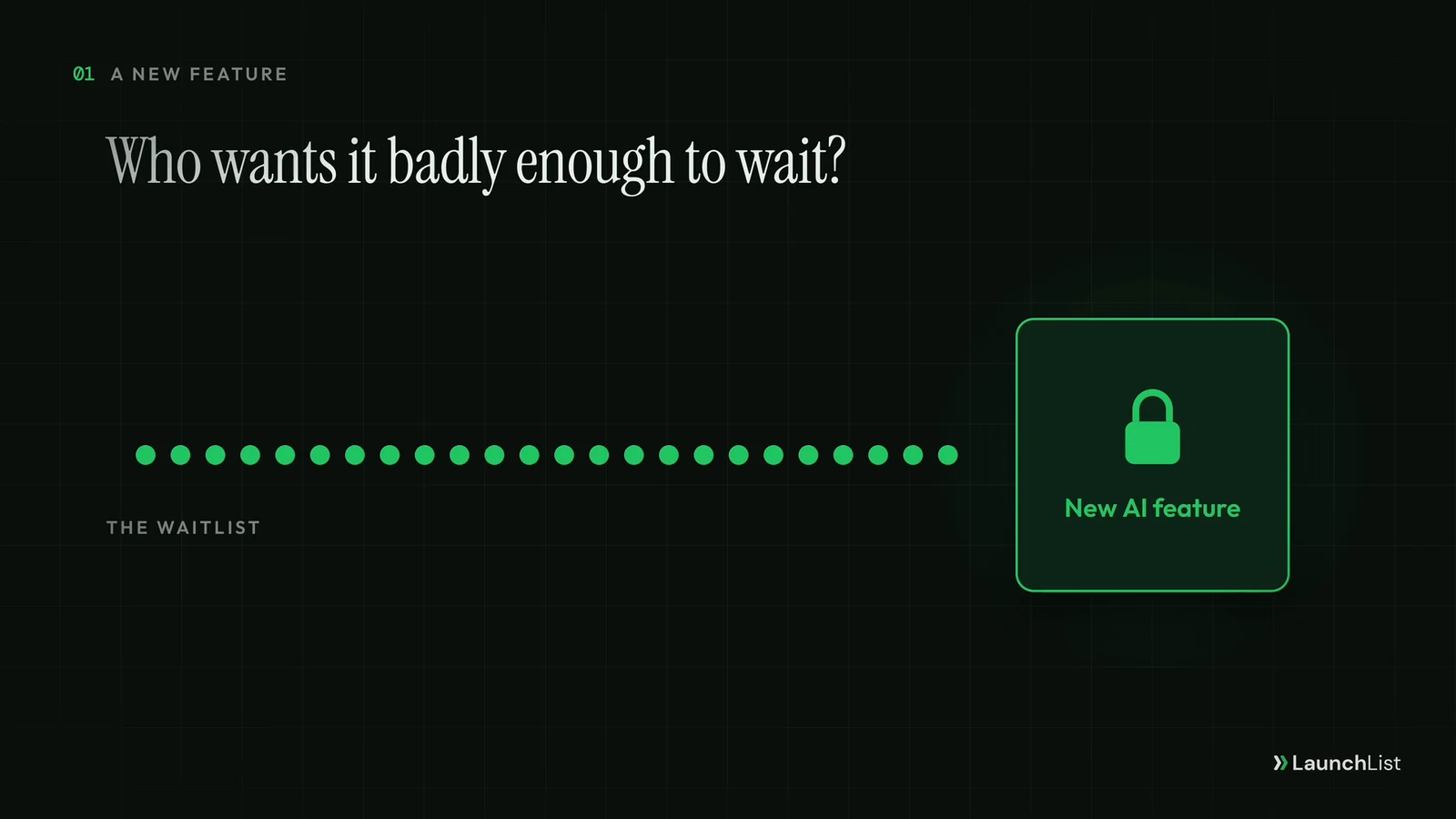
What the waitlist did: It told Notion which users wanted AI badly enough to queue for it, and it gave the team a safe way to roll out a new kind of feature gradually instead of to everyone on day one.
How to run one:
- Put a "Get early access" button inside the product, next to where the feature will live. The people who click it are your most motivated testers.
- Ask one question on the way in: what would you use it for? The answers become your onboarding copy and your first use cases.
- Turn it on for a small group, read what they do with it, then widen it.
A feature waitlist is also the cheapest fake door test you will ever run: if almost nobody clicks, you have learned that before building the whole thing. For other ways to test demand first, see these idea validation tools.
2. Letting people in, in waves
The example: GitHub launched Copilot as a technical preview in June 2021, and developers joined a waitlist to try it. When it went on sale in June 2022, GitHub said more than 1.2 million developers had used it during the preview.
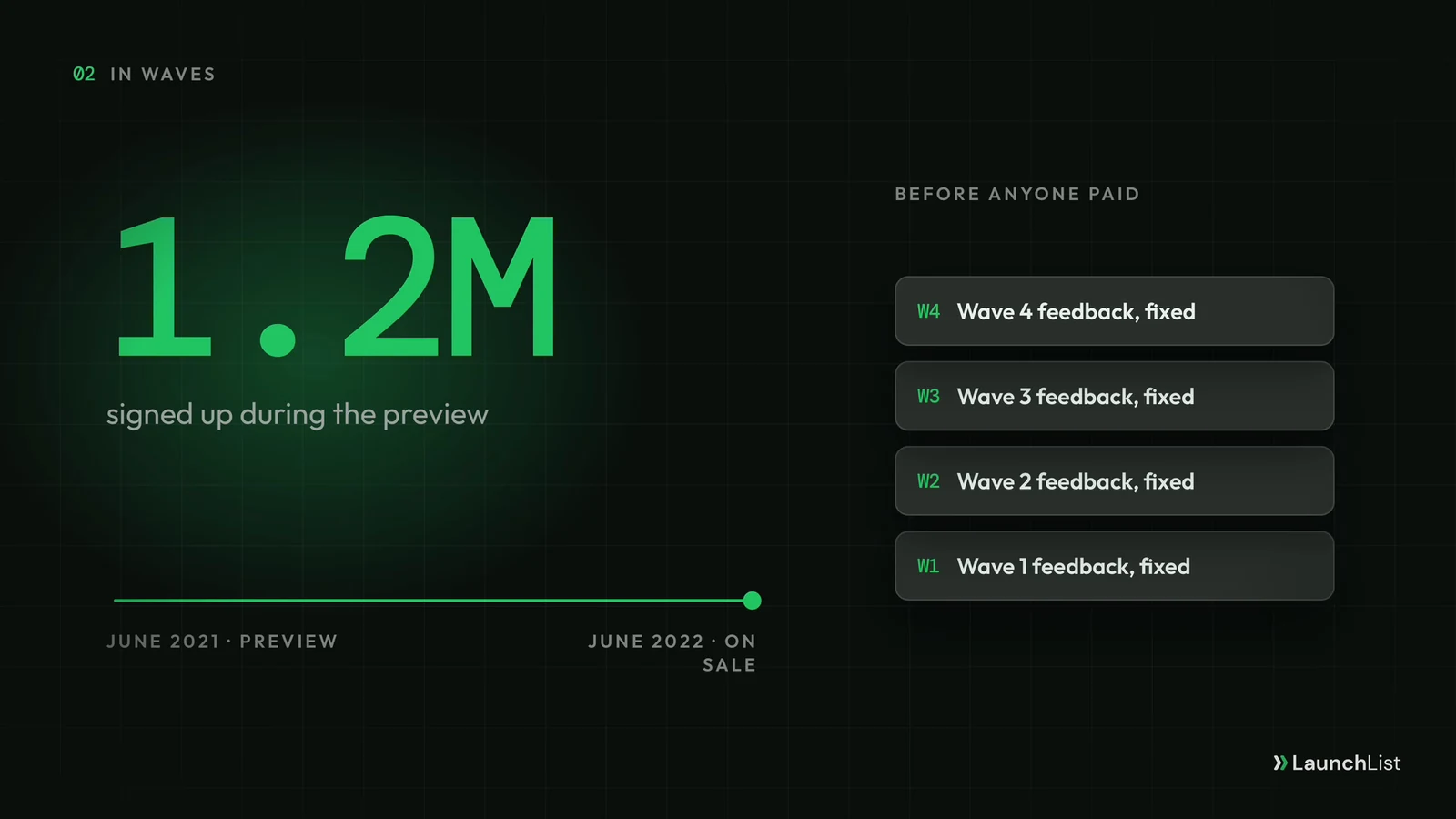
What the waitlist did: It let GitHub widen access step by step and learn from real developers for a year before anyone paid. By the time Copilot went on sale, a very large group had already used it.
How to run one:
- Decide how many people you can support well, and invite that many. A rollout is limited by your support load and your infrastructure, not by the length of the list.
- Start with your most engaged people. Top referrers and the earliest signups are the most forgiving testers and the most likely to talk about it.
- Measure each wave: how many invited people actually got in, how many came back, what they reported. Only then invite the next wave.
This is exactly what early access means in practice. For the email side of a staged rollout, see how to convert a waitlist into paying customers, which covers beta cohorts and invite timing in detail.
3. A second chance
The example: In December 2018, Robinhood announced checking and savings accounts with a 3% interest rate. After SIPC, the body that protects brokerage accounts, said it had serious concerns, Robinhood pulled the product a day later. On October 8, 2019, about ten months on, it announced Cash Management, rebuilt around FDIC-insured partner banks, and opened a waitlist instead of launching to everyone.
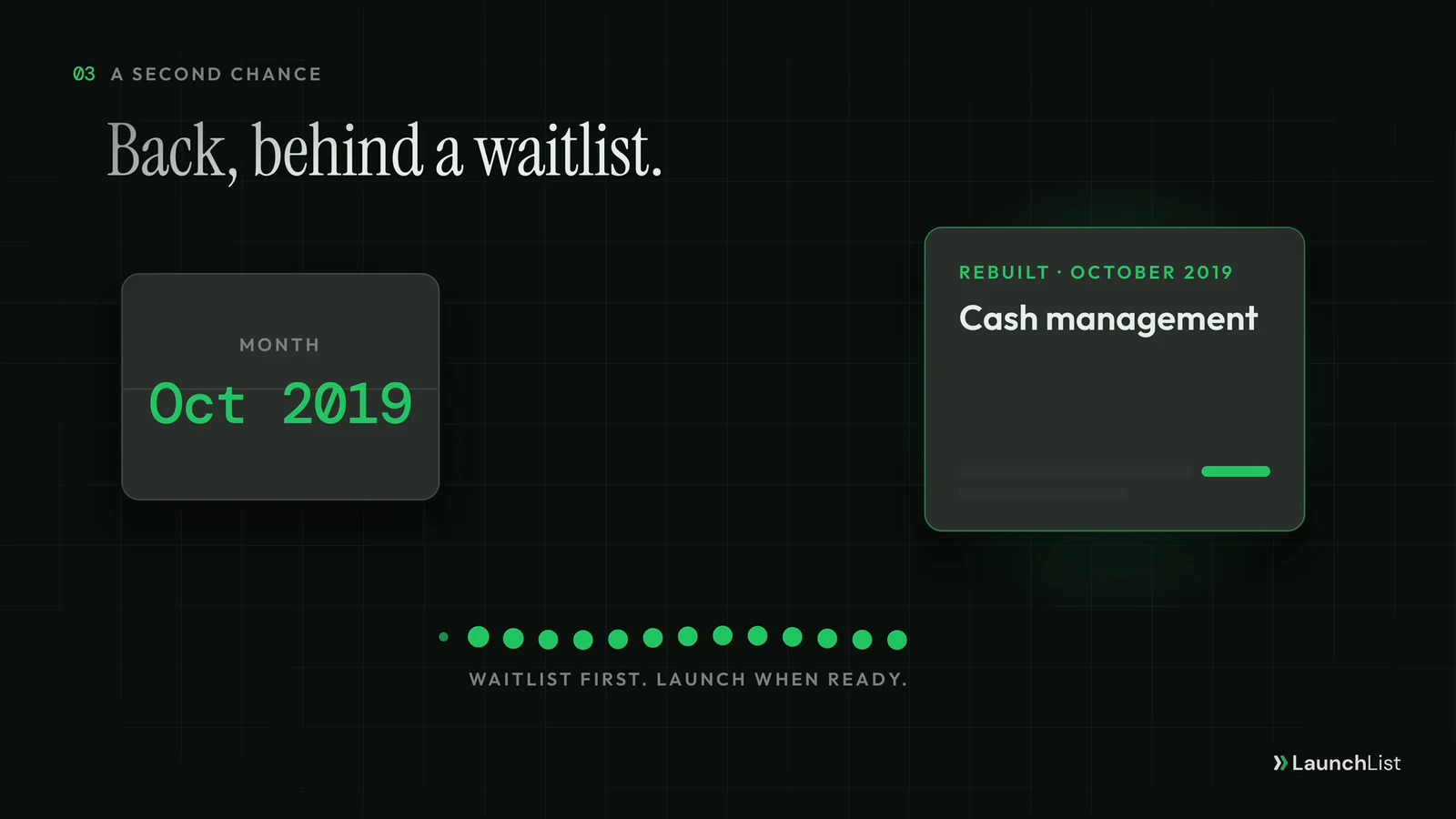
What the waitlist did: It let Robinhood launch again without a second big-bang release. Interest could build while the company made sure the product was ready, and access opened on Robinhood's schedule rather than on launch day's.
How to run one:
- Say plainly what changed. People who heard about the first attempt will be skeptical; the waitlist page is where you rebuild trust.
- Use the waitlist to slow the launch down. Let a first group in, confirm the fix holds, then widen it.
- Email the original interested users first. They raised their hand once already.
The same pattern works for a feature you rolled back, a pricing change that went badly, or a product you rebuilt after it failed the first time.
4. Putting a price on demand
The example: Tesla unveiled the Model 3 on March 31, 2016 and asked for a refundable deposit of about $1,000. CNN reported about 325,000 reservations in the first week, for a car whose first deliveries weren't due until the end of 2017. When Tesla unveiled the Cybertruck in November 2019, it asked for a $100 refundable deposit and announced about 250,000 within a week.
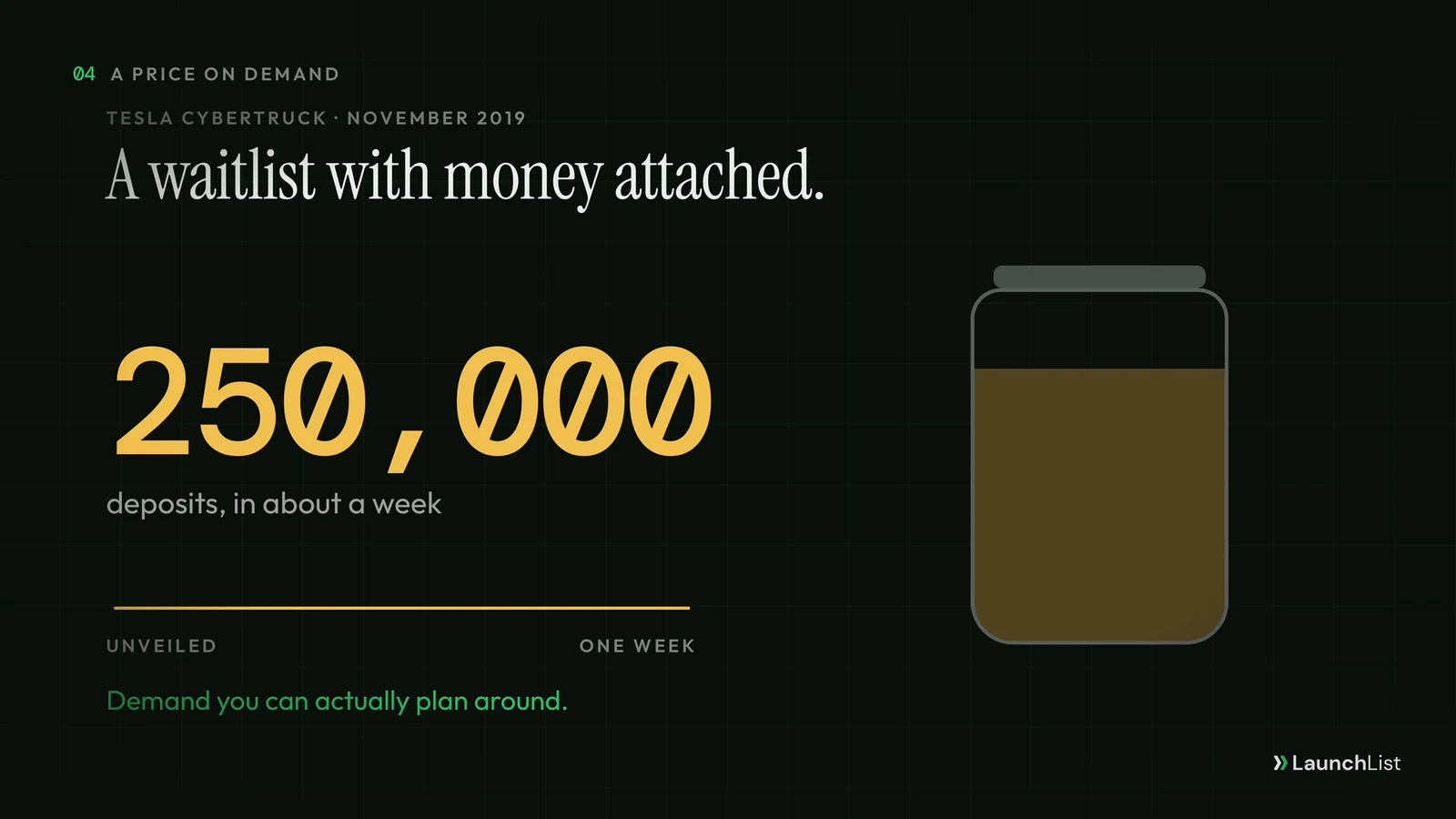
What the waitlist did: A deposit filters out casual interest. A list of people who paid, even refundably, is demand a company can plan production around, and the number itself became news.
How to run one:
- Only ask for money when you need demand you can plan around: manufacturing, a hiring decision, a limited batch.
- Make it refundable and say so in large type. Unclear deposit terms are the fastest way to turn a waitlist into complaints.
- If a deposit is too much for your product, use a smaller signal of intent: a one-question survey ("How much would you pay?"), a pre-order for a discounted first year, or a paid pilot for teams.
LaunchList does not take payments on forms yet: deposits, pre-orders and paid signups are on the roadmap, not built. To size a paid launch before you ask for money, the pre-launch MRR calculator turns a list size and an expected conversion into a revenue range.
5. A new market
The example: Spotify had been running in Europe since 2008 and had more than 10 million registered users across seven countries when it launched in the US on July 14, 2011. The free, ad-supported tier opened as an invite-only beta.
What the waitlist did: Invitations let Spotify control how fast a large new market arrived on the free tier, after three years of growing in Europe first.
How to run one:
- Before you open a new country or a new customer type, put up a waitlist for it. The cost is a page and a form.
- Ask two things: where are you, and what do you do? Location and role are the two answers that decide where to launch.
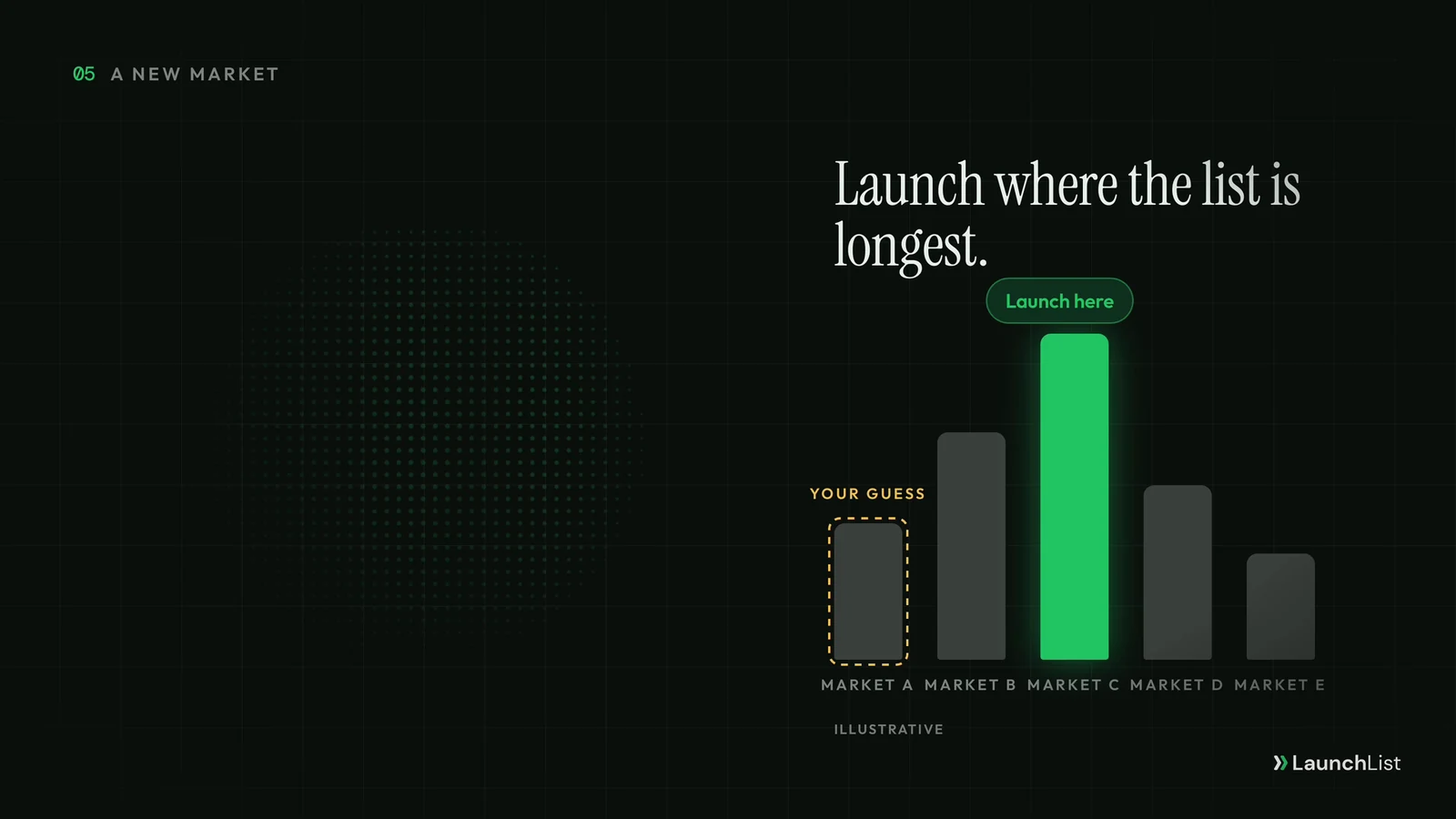
- Launch where the list is longest, not where you guessed. Compare the regions or segments side by side before you commit a team to one.
The TAM SAM SOM calculator is a useful sanity check next to the list: a region with a long waitlist and a small reachable market is still a small market.
6. A new product line for the users you already have
The example: In January 2018 Robinhood, then a stock trading app with more than 3 million users, announced commission-free crypto trading. CNBC reported that more than a million people joined the waitlist in four days.
What the waitlist did: It sized demand for a new product line before it was live: a list roughly a third the size of its whole user base, built in four days.
How to run one:
- Announce the new product to your current users first, with a waitlist, not a launch date.
- Compare the list with your user base. Signups from people who aren't customers yet tell you the new product can bring in a new audience, not only sell to the existing one.
- Keep the waitlist separate from your main product list, so the two sets of people and messages don't mix.
7. A tier or plan that isn't ready
Not every example has to be famous. Plenty of software companies show a "Teams" or "Enterprise" plan with a "Join the waitlist" button long before that plan exists.
What the waitlist does: It tells you which customers would pay for the bigger plan, and what they need from it, before you build features nobody buys.
How to run one:
- Put the waitlist on your pricing page, next to the plans you already sell.
- Ask about team size and the one feature they need most. The answers are your roadmap for the tier.
- Reply to every signup personally. A waitlist for a higher tier is a sales list, and these are your warmest conversations.
8. Limited capacity
The example: When OpenAI released GPT-4 on March 14, 2023, API access went through a waitlist, with priority for developers who contributed model evaluations. The stated aim was to balance capacity against demand.
What the waitlist did: It kept a product with real per-request costs from collapsing under its own demand, and it rewarded the developers who helped improve it.
How to run one:
- Use a waitlist whenever serving one more person costs you something real: compute, support time, physical stock, a seat in a cohort.
- Say what decides the order. "First come, first served", "priority for people who refer friends" or "priority for contributors" all work, as long as the rule is public and you follow it.
- Show people their queue position. Waiting is easier when you can see the line move.
Cohort courses, events, physical products that sell out and services with a fixed number of slots all fit this pattern.
9. A rebuild or a new version
When you rebuild a product, moving every user at once is the riskiest way to do it. A waitlist for the new version lets you bring people across in batches: the most eager first, the most cautious last, each batch learning from the one before. It also gives users a choice about when to move, which matters most to people who depend on the old version every day.
How to run one:
- Open the waitlist to existing users with a clear line on what changes and what doesn't.
- Invite in batches you can support, and keep the old version running until you have moved enough people to be sure.
- Ask each batch the same one question after they move ("What's missing?"), so the answers are comparable.
How to run a post-launch waitlist, in five steps
The nine uses share one method:
- One list per launch. Keep each waitlist separate from your main list and from each other, so you can tell who wanted what.
- One question at the door. Ask the single thing that decides your next move: what they'd use it for, where they are, what they'd pay. Ask nothing else.
- Let people in on purpose. Invite in groups you can support, starting with your most engaged people.
- Measure each group. Track how many invited people got in, came back and stayed, before you invite the next group.
- Close the loop. Email the whole list when you launch, including the people you never got to. A waitlist that goes quiet teaches people to ignore the next one.
Running these in LaunchList
LaunchList is pre-launch waitlist software for founders, and every step above uses features that are built today:
- A separate list for each launch. Each launch can be its own project, with its own hosted page or a form embedded on your website. Paid plans hold more than one project.
- One question at the door. The form builder can add a question to the signup form, or a short survey on the status page people see after joining, and the answers become filterable attributes on each contact.
- Batches with a code for each person. With early access invites you can invite one person or up to 1,000 at a time, let LaunchList pick the next people in line (subscribed people still on the waitlist, most referrals first), and give each person a personal code. Each group you invite shows how many of its codes were used. The Free plan includes 100 invitations in total; paid plans have no limit.
- Stages for who got in. Pipeline stages track each contact from waitlist to invited to joined to converted, and you can rename them to fit your launch.
- The launch email. Broadcasts send to a segment of your list from inside LaunchList, so you can email only the region, role or batch you are launching to.
What it doesn't do yet: take payments on a form (deposits, pre-orders), or run several pages or A/B variants for one project. It is free to start, with no card needed; see pricing for the plans.
Start a waitlist for your next launch →
FAQ
Can you use a waitlist after your product has launched?
Yes. Established companies use waitlists for new features, new product lines, capacity-limited rollouts, relaunches, new countries and higher tiers. Notion opened a waitlist for Notion AI in November 2022, GitHub put Copilot's technical preview behind one in June 2021, and Robinhood drew more than a million waitlist signups for crypto trading in four days in January 2018, when it already had more than 3 million users.
What is a feature waitlist?
A feature waitlist is a list of existing or new users who ask for access to one feature before it is switched on for everyone. It tells you who wants the feature badly enough to ask, gives you a group to test it with, and lets you turn it on a batch at a time instead of all at once.
How do you let people off a waitlist in batches?
Pick a group, invite it, measure how many of them actually get in and use the product, fix what they report, then invite the next group. Many teams start with the most engaged people, such as top referrers or the earliest signups. In LaunchList each invited person gets a personal invite code, you can invite up to 1,000 people at a time, and each group shows how many of its codes were used.
Should a post-launch waitlist ask for a deposit?
Only when you need demand you can plan production or hiring around, and only if the deposit is refundable and the terms are clear. Tesla asked for refundable deposits for the Model 3 in 2016 and the Cybertruck in 2019. For most software, a free waitlist plus one qualifying question is enough. LaunchList does not take payments on forms yet; payment-taking forms are on the roadmap.
Is a feature waitlist the same as a beta?
Not quite. The waitlist is the queue; the beta is what people get when they come off it. A waitlist can feed a private beta, a staged rollout or a full release, and it keeps working after the beta ends as the list you announce the release to.
Sources
- Notion AI announced with an alpha waitlist, November 16, 2022: Weights & Biases ML News
- About a million people on the Notion AI waitlist within five weeks: Fast Company
- GitHub Copilot general availability, June 21, 2022, and more than 1.2 million developers in the technical preview that began in June 2021: GitHub
- Robinhood's 2018 checking and savings launch, pulled after SIPC concerns, and the Cash Management waitlist of October 8, 2019: WealthManagement.com
- Robinhood crypto trading: more than a million waitlist signups in four days, January 2018: CNBC
- Tesla Model 3: about 325,000 reservations in the first week, April 2016: CNN Money
- Tesla Cybertruck: about 250,000 refundable $100 deposits, November 2019: RenewEconomy
- Spotify's invite-only US launch, July 14, 2011: TechCrunch
- GPT-4 released with an API waitlist, priority for Evals contributors and a gradual rollout "to balance capacity with demand", March 14, 2023: OpenAI
Related reading
- What is a pre-launch waitlist?: the definition, and how a waitlist differs from a newsletter.
- How to convert a waitlist into paying customers: beta invites in waves, stages and the emails to send.
- Waitlist referral program guide: how to let your most engaged signups move up the line.
- Where to launch your startup: the channels for the moment the waitlist opens.
- Waitlist email templates that get opened: the invite, reminder and launch emails.
- Early access, soft launch and beta launch: the three terms this guide uses, defined.