
Pre-order waitlist landing page template: Mesa
Mesa is a LaunchList template for a physical product's pre-launch page, with one large photo ahead of the gallery and prices. Take reservations before you make a batch.
Free for your first 100 contactsNo credit card needed
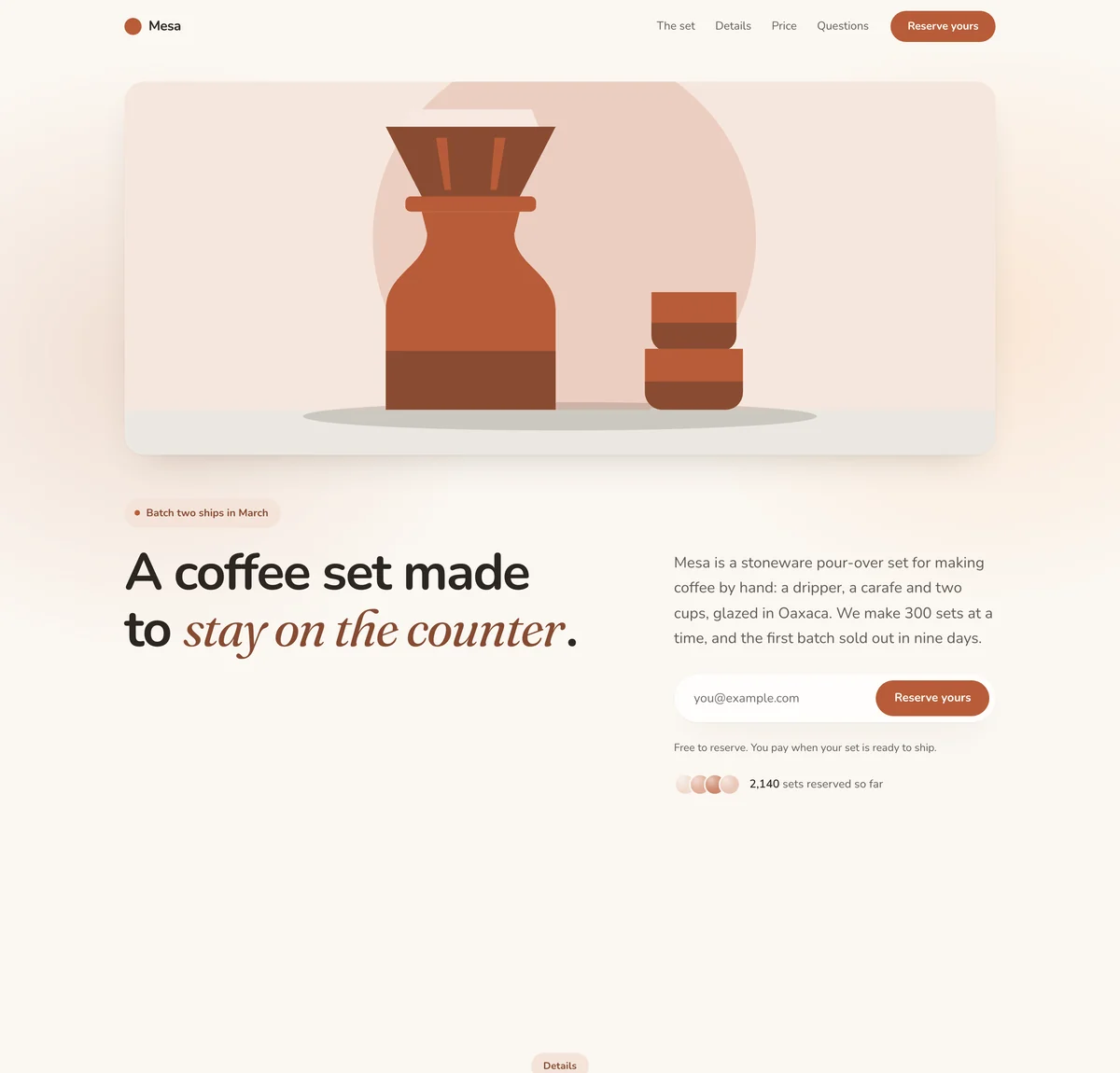
Calm. Soft and unhurried: a warm off-white page, rounded type, large soft shapes and no hard lines, with the accent color used lightly. Suits wellness, community and everyday consumer products.
Mesa is a made-up product, so its numbers and quotes are examples. Your page is written about your product, and a section that needs facts only you have, like a price or a customer quote, is left out until you add it.
What is on this waitlist landing page
9 sections, top to bottom, each one yours to edit, move or remove in the editor. One large product photo, a gallery, the details, prices and how many are reserved.
Navigation
Your name, links and a button at the top.
Hero
"A coffee set made to stay on the counter."
The headline, a line of support and the signup form.
Media
"The set, up close"
One image, a video, or a gallery of screenshots.
Benefits
"Made slowly, on purpose"
Reasons to sign up, as cards, columns or rows.
Signup count
How many people have signed up, counted live.
Pricing
"Choose your set"
Your plans side by side, with one marked as the pick.
Questions
"Before you reserve"
Answers to the questions people ask first.
Call to action
"300 sets. Yours is one email away."
A closing headline with the signup form.
Footer
Small print and links, at the bottom of the page.
10 more blocks you can add
Mesa is a starting set, and the page is yours to build on. Add any of these from the editor's Add a block list, wherever you want it on the page.
Logos
A row of customer or partner names.Steps
How it works, in order, as columns or a timeline.Numbers
A few numbers that make the case.Quotes
What people say about it.Story
A few paragraphs, or a signed note from you.Countdown
The days, hours and minutes left until your launch date.Signup form
Your signup form on its own, anywhere on the page.Leaderboard
The people who referred the most signups.Referral rewards
What people earn for referring friends.Updates
Your latest published updates, with a link to all of them.- See the page editor
Who this pre-launch landing page is for
A product made in batches
Mesa's page says which batch ships when and how many sets it holds. The same frame fits anything made in limited runs.
Something people need to see
The photo comes before the headline, and the gallery gives each part of the product its own picture and caption.
Testing demand before production
Reserving costs a visitor nothing, so the list shows how many people want the product before you commit to making it.
What to change first
The photos
The pictures of Mesa's dripper, carafe and cups are drawn stand-ins. Add your own photo to the hero and up to eight to the gallery, each with a caption.
The prices
Replace the three sets with what you sell. Each option holds a name, a price, a line on who it is for and a list of what is included.
The promise about paying
Mesa tells visitors that reserving is free and that they pay when their set is ready to ship. Say what is true for you, in the note under the form and in the questions.
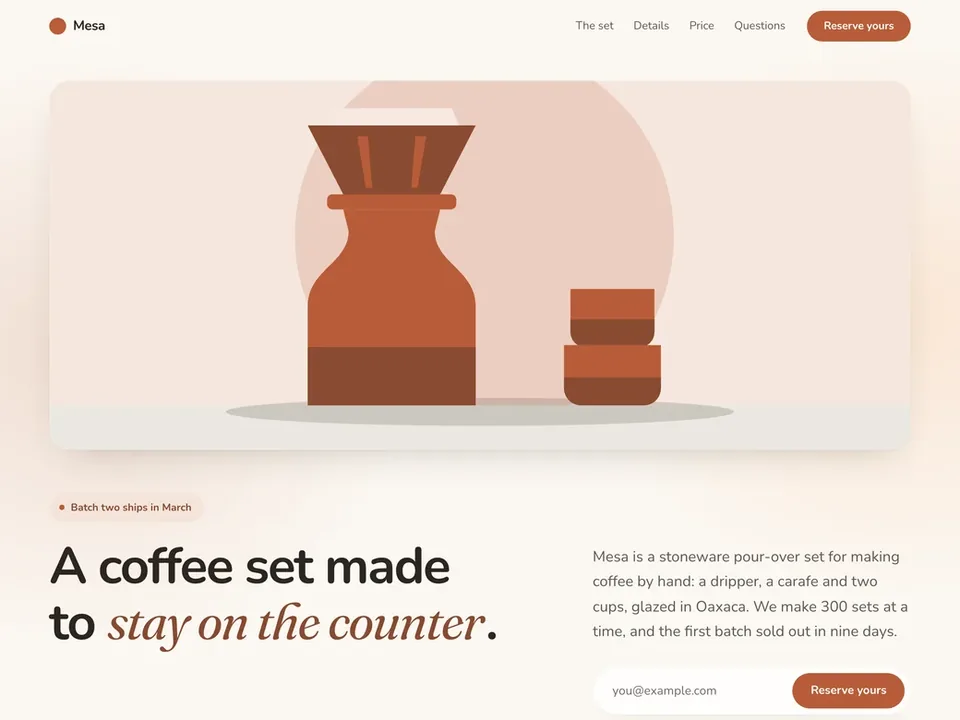
Change anything on the page
The template is where you start. Beyond its 8 styles, the editor lets you change how every part of the page looks and reads.
Your color, fonts and corners
Set the accent color, the fonts and the corners once, and every section follows.A few layouts for most blocks
Most blocks come in finished layouts, so a section can change shape and keep its words.Move, duplicate or remove
Drag a section to a new place, duplicate it or delete it. Add a block puts a new one where you want it.Ask for a change
Say what you want changed in a sentence and the page is edited for you, with an Undo on every change.Preview, then publish
Check the draft at desktop and phone width. Sections and words go live only when you publish; your logo and share preview change at once.Your logo and share preview
Add your logo, and set the title, description and share image a pasted link shows.
Questions about the Mesa template
Does this page take payment for a pre-order?
How does the count of reservations work?
How many options can the price section hold?
How do I get the reservation list into my store or checkout tool?
Is a pre-order page the same as a product waiting list?
Start building your product waitlist.
Create your page, collect your first signups, and grow from there.
Free for your first 100 contactsNo credit card needed