
Waitlist page editor
with AI.
LaunchList's waitlist page editor builds the page where people join your waitlist, and hosts it for you. Click any part to change it, or ask the AI for the change in plain words.
Free for your first 100 contactsNo credit card needed

At a glance
Updated
- Starting pages
- Nine, from a one-screen coming soon page to a full product page, or start blank
- Styles
- Eight designed styles, from the light Studio to the dark Midnight, each with its own fonts and corners
- AI
- Writes a whole page from one sentence, or makes the change you ask for, as one undo step
- Preview
- Desktop and phone width in the editor, and a private preview link that works for seven days
- Address
- Each page gets its own launchlist.page address, or use your own domain from the Collect plan
- Plans
- On every plan, with the AI included during the beta, subject to fair use
From one line about your product to a live page.
Creating a project takes you straight to a page you can publish, so the first thing you do is choose, not design.
Name your product
Give your product a name and one line about it. LaunchList writes the starting pages about it, so every one you are offered already speaks about your product.Pick a page and a look
Choose a starting page, press "Try another look" to see it in the next style, then set your color and logo. Press "Publish my page" and it goes live.Edit and share
Open the editor to change any block, drag sections into a new order and add more with Add block. Then share the link and watch your first signup arrive.
An AI waitlist page generator that starts from one sentence.
Describe what you are launching, and the AI picks the style, the fonts and the sections, then writes the words. After that it edits the page when you ask.
Ask for a change
Ask for a new section or a rewrite in plain words. The change lands on the page at once, and Undo takes it back.
Your facts stay yours
Names, quotes, figures and prices come only from what you typed. Where a section would need one you did not give, the AI leaves that section out instead of inventing it.
Change template
The Templates button in the top bar swaps the draft for another starting page, a page the AI writes from one sentence, or a blank page. The draft you had can be brought back, and the live page stays as it is until you publish.
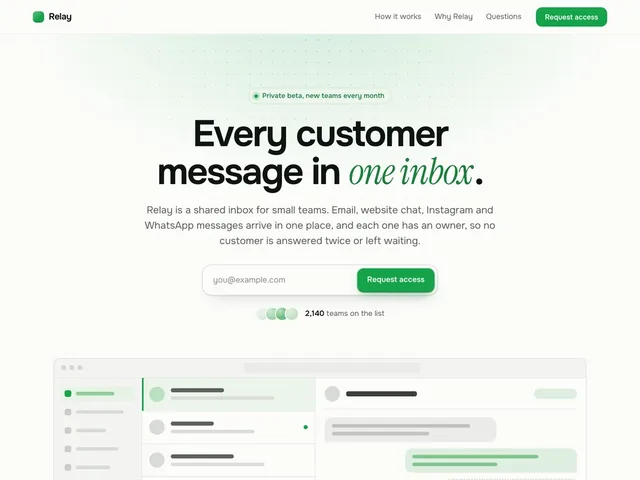
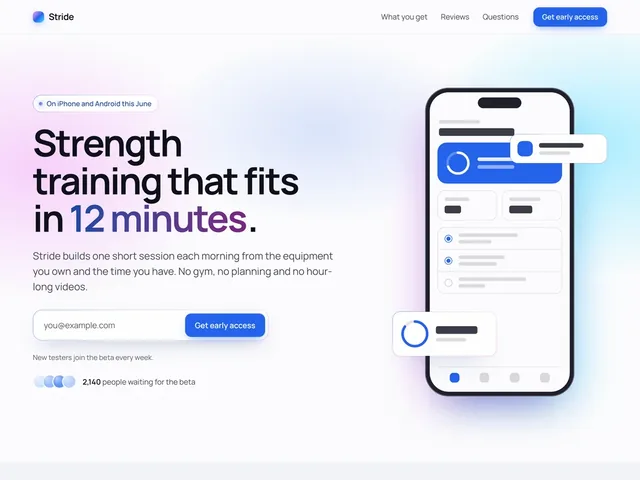
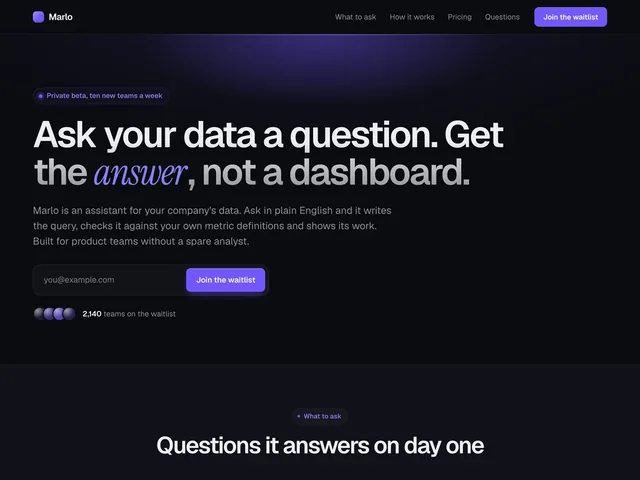
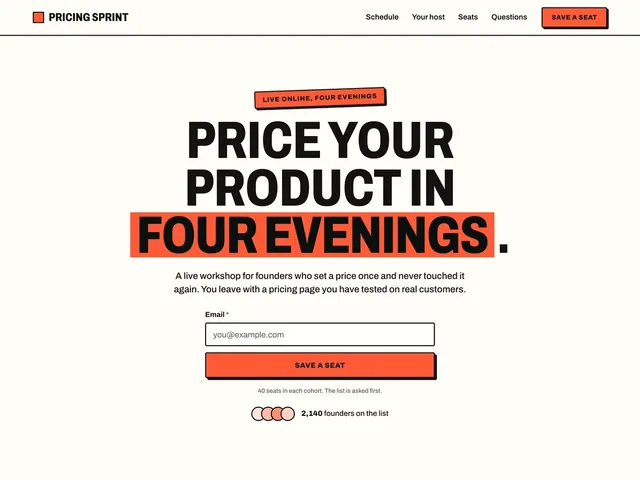
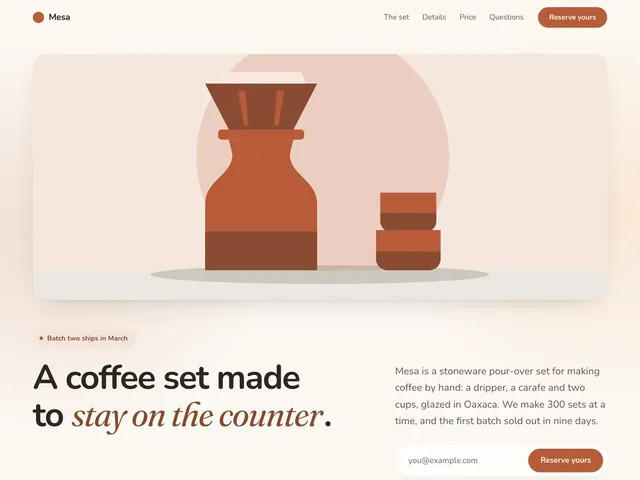
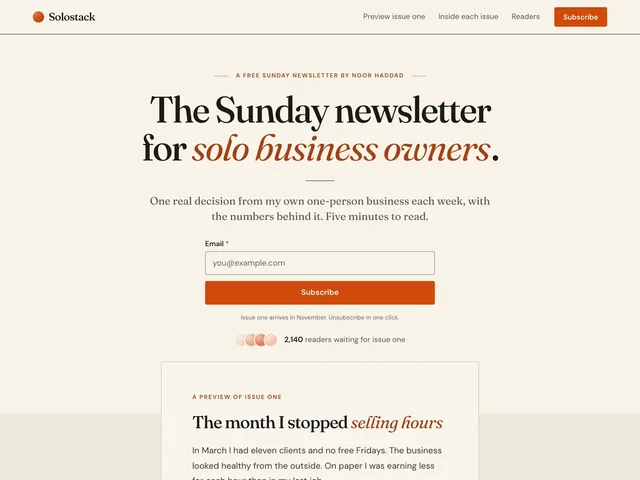
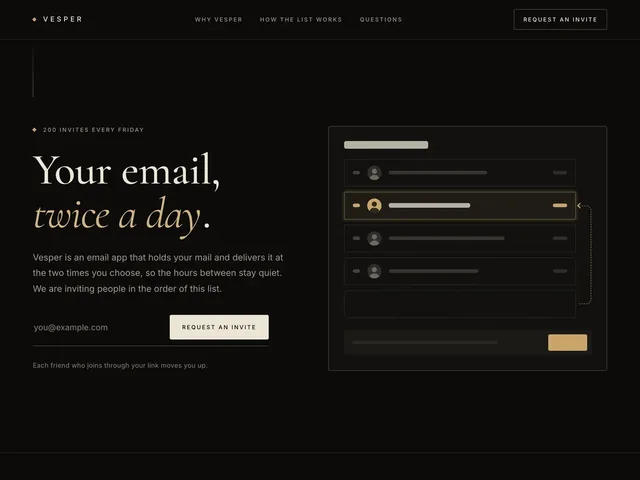
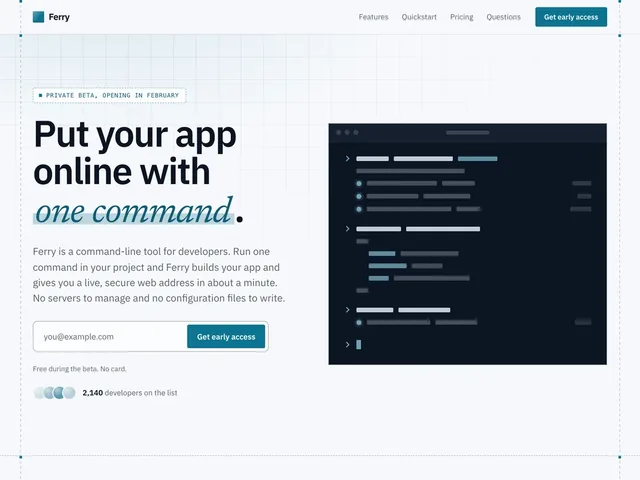
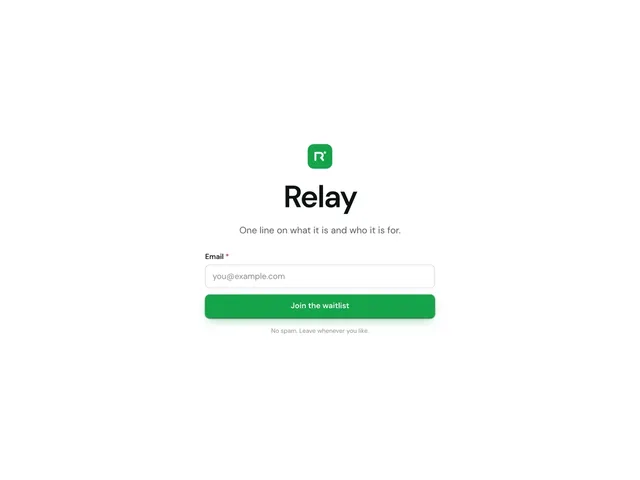
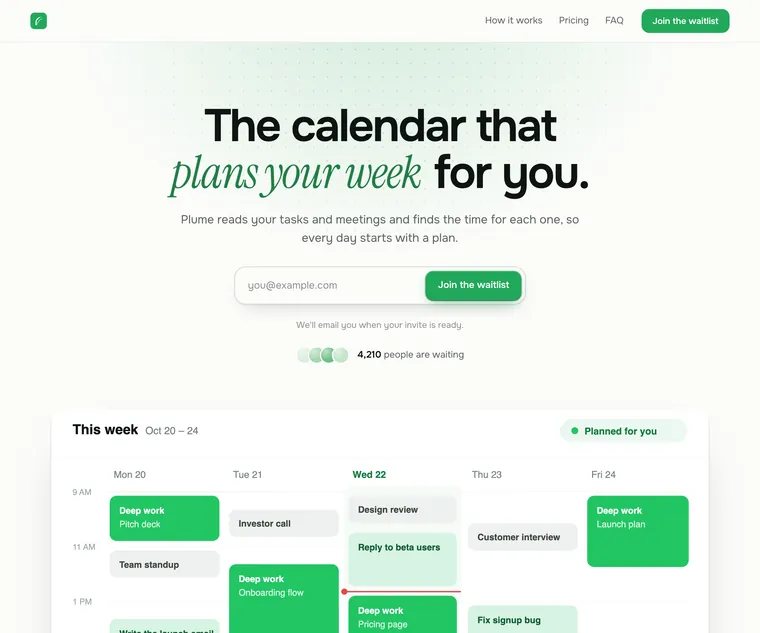
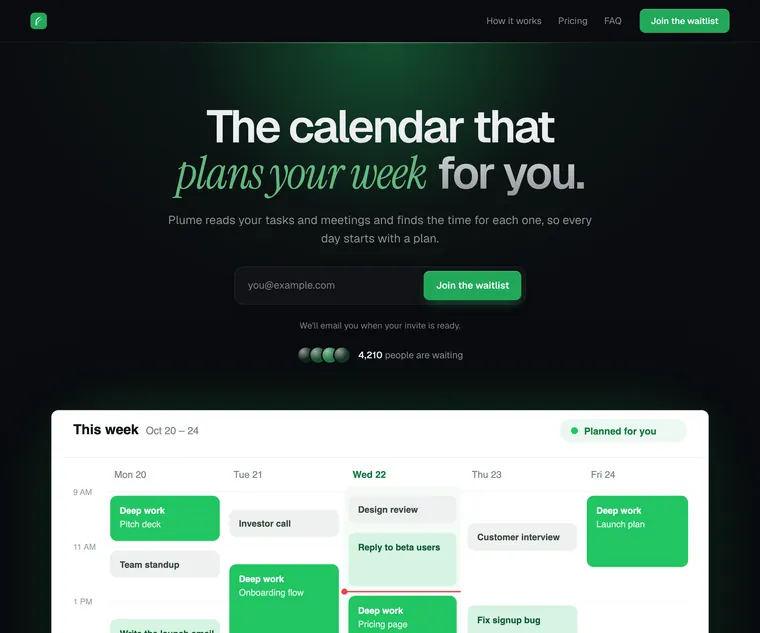
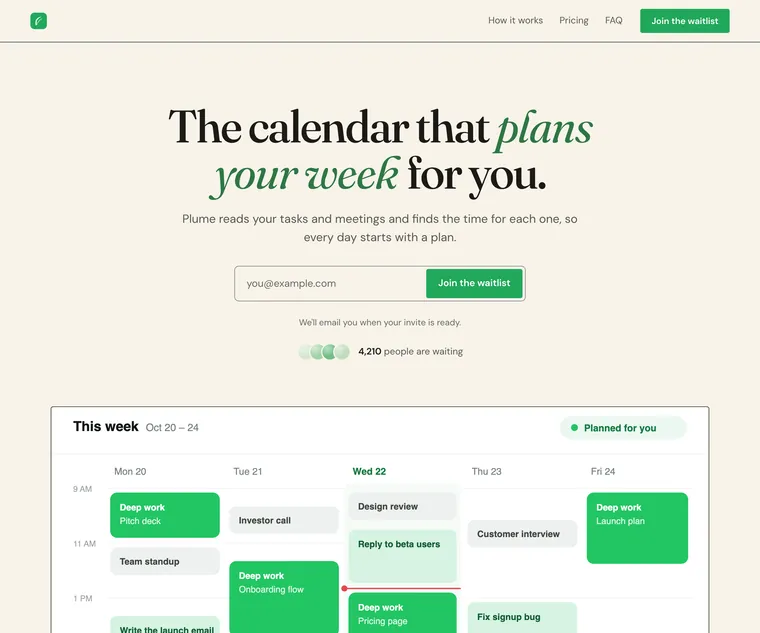
A hosted waitlist page in eight styles, with your words kept.
Every section follows the style you pick, so the whole page looks designed as one.
One style for the page
On the Design tab, pick one of eight styles: Studio, Midnight, Editorial, Blueprint, Poster, Calm, Aurora or Luxe. Then set your accent, fonts and corners.
A layout for every block
Most blocks come in a few finished layouts. Pick one in Properties, then write the words.
Blocks for each part of a launch
Add what the page needs from the block list, from benefits, steps and questions to pricing and a countdown, then drag each into place on the page or in Layers.
Do you need a waitlist page editor, or just a form?
It comes down to where people sign up: on a page we host for you, or on a site you already run.
A good fit when
- You have no website yet and want a page live today that people can join and share.
- You want the page, the signup list, referrals and email in one place, instead of wiring a page tool to a form tool and an email tool.
- You have a site, but want a page just for the launch, with its own address and a live signup count, countdown or leaderboard on it.
- You would rather describe your product in a sentence than start from a blank page.
Not the right fit when
- You need a whole website with many pages, a blog or a store. The editor makes one page for your launch.
- You want to set every pixel or add your own code. Sections follow a designed style, and there is no custom CSS.
- Your site already does the job and only needs a signup form. Put the LaunchList form on your own site instead.
Launch page details to check before you share the link.
Visitors get the same blocks you edit, so what you see in the editor is the page.
Your real signup form
The Signup form block shows a form from your project, so a signup from the page gets the same spam protection, referral link and status page as one from anywhere else.Live numbers as blocks
Signup count, Leaderboard, Referral rewards and Updates are blocks you add like any other, and each shows your project as it is when the page loads. A Countdown block runs to the date you give it.Drafts stay private
Saving never touches the live page. Check the draft at desktop and phone width, send a private preview link for feedback, then publish when it is ready.Search and link previews
Set the title, description and share image. Leave the image empty and LaunchList draws one from your page, so a pasted link always has a picture.An address that holds
Change your page address any time. The old one redirects to the new one for good, so earlier posts still reach the page.Your own domain
Put the page on a domain you own, such as join.yourproduct.com. LaunchList checks the DNS record and sets up the certificate for you.From the Collect plan
In the docs: your hosted Launch page, writing a page with AI and connecting your own domain.
Page editor questions, from AI to search.
What should a waitlist page say?
Do I need a website to use LaunchList?
Is LaunchList a website builder?
What does the AI write, and what does it leave to me?
Is the page editor on the Free plan?
Can search engines find my waitlist page?
Put your Launch page live today.
Pick a starting page, make it yours, then share one link.
Free for your first 100 contactsNo credit card needed