
A waitlist status page
for every signup.
LaunchList gives every signup a waitlist status page at a private link, with their place in line, their referral link and the leaderboard. It changes as they confirm, move up and get invited.
Free for your first 100 contactsNo credit card needed

At a glance
Updated
- Who gets one
- Every signup, each at a private link of their own
- When it goes live
- The moment you create a project, before anyone signs up
- On a new page
- A confirm notice, their place in line, their invite once you send one, a share card and the leaderboard
- Designs
- Clean, Tiles, Split or Ticket, in your accent, background, fonts and logo
- Languages
- English to start, and any of 17 once you choose which to offer
- Plans
- On every plan
How a signup gets to their page, and back to it.
Make it yours
Open Pages, then Status page. Choose a design, change any block or line, and press Publish when it looks right. Until then, signups keep seeing the version you last published.They land on it
A waitlist form takes each new signup straight to their page, whether they joined on your Launch page, through an embed on your site or in a popup.They come back to it
Their confirmation and invite emails link to it, and you can add their Status page link to any email you send. Signing up again from the same browser takes them back to it, and on a new device the link is emailed to them.
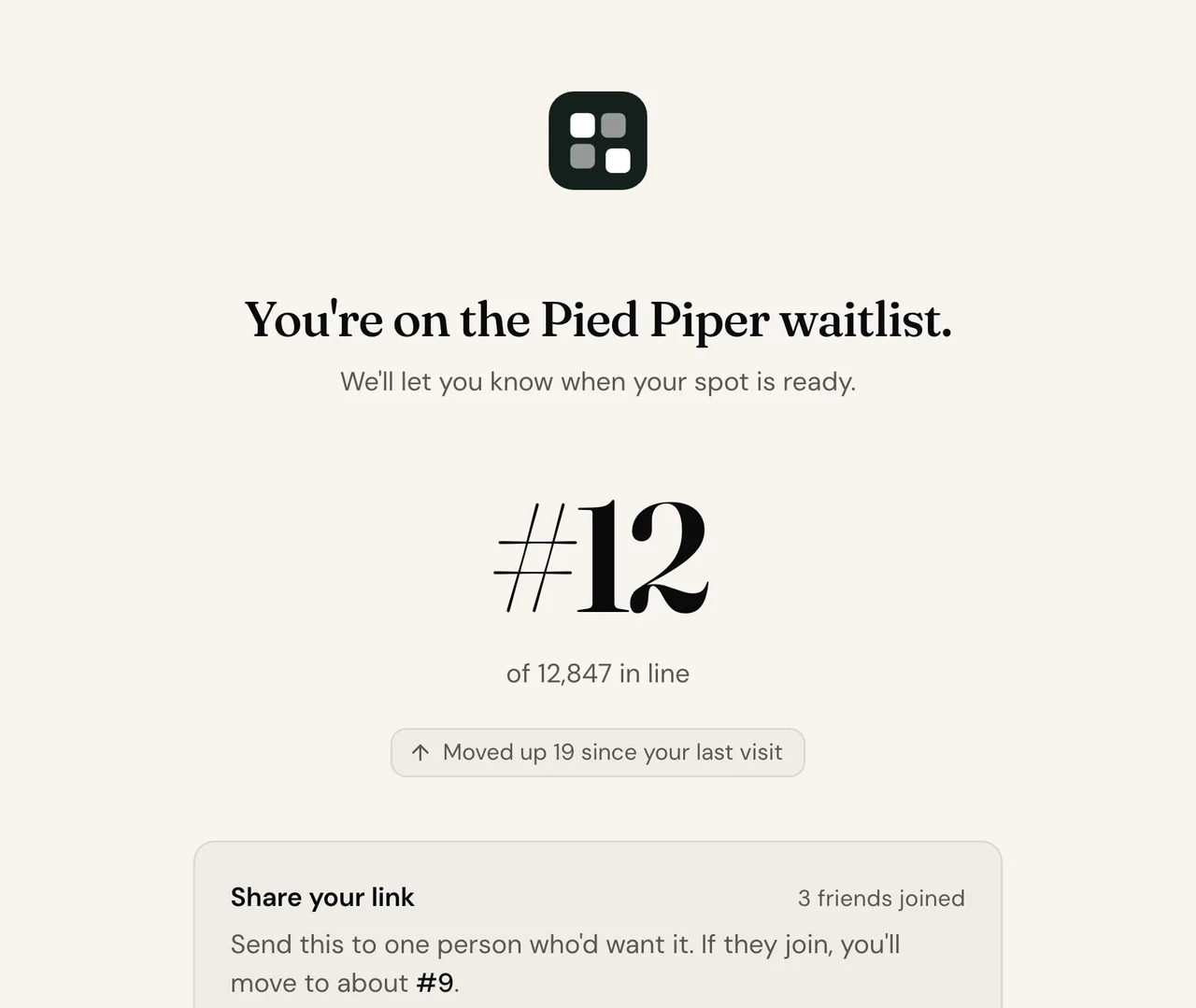
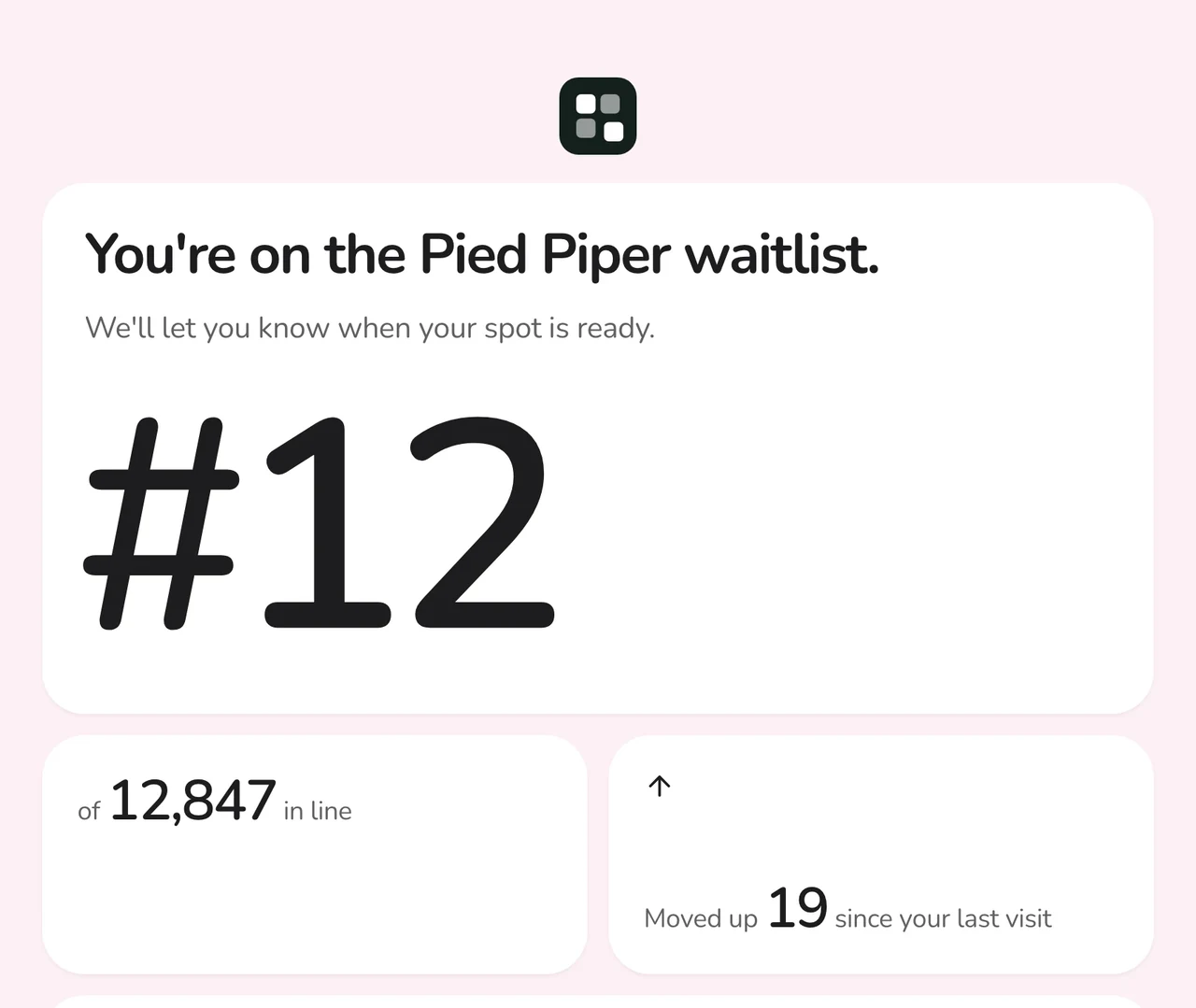
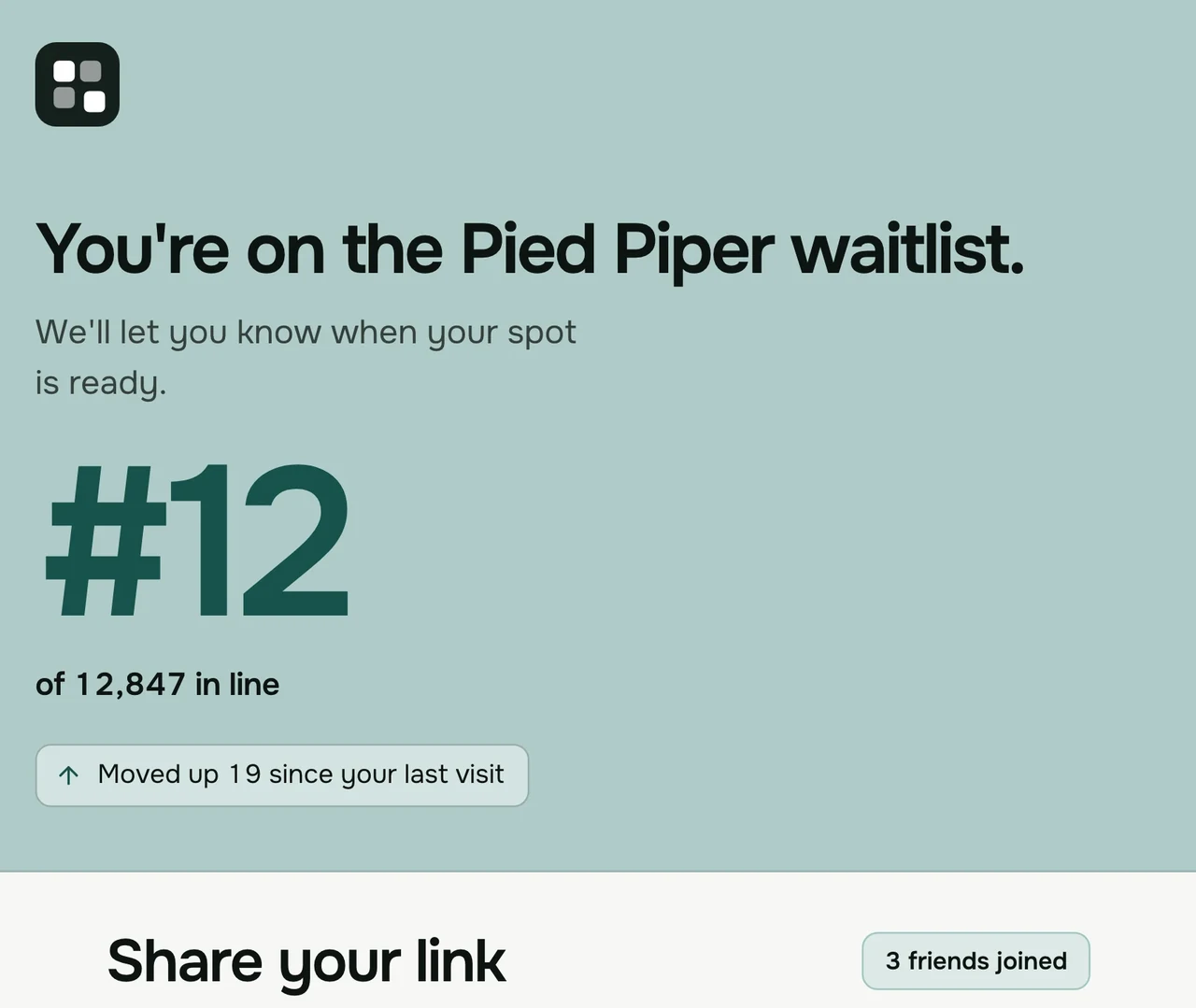
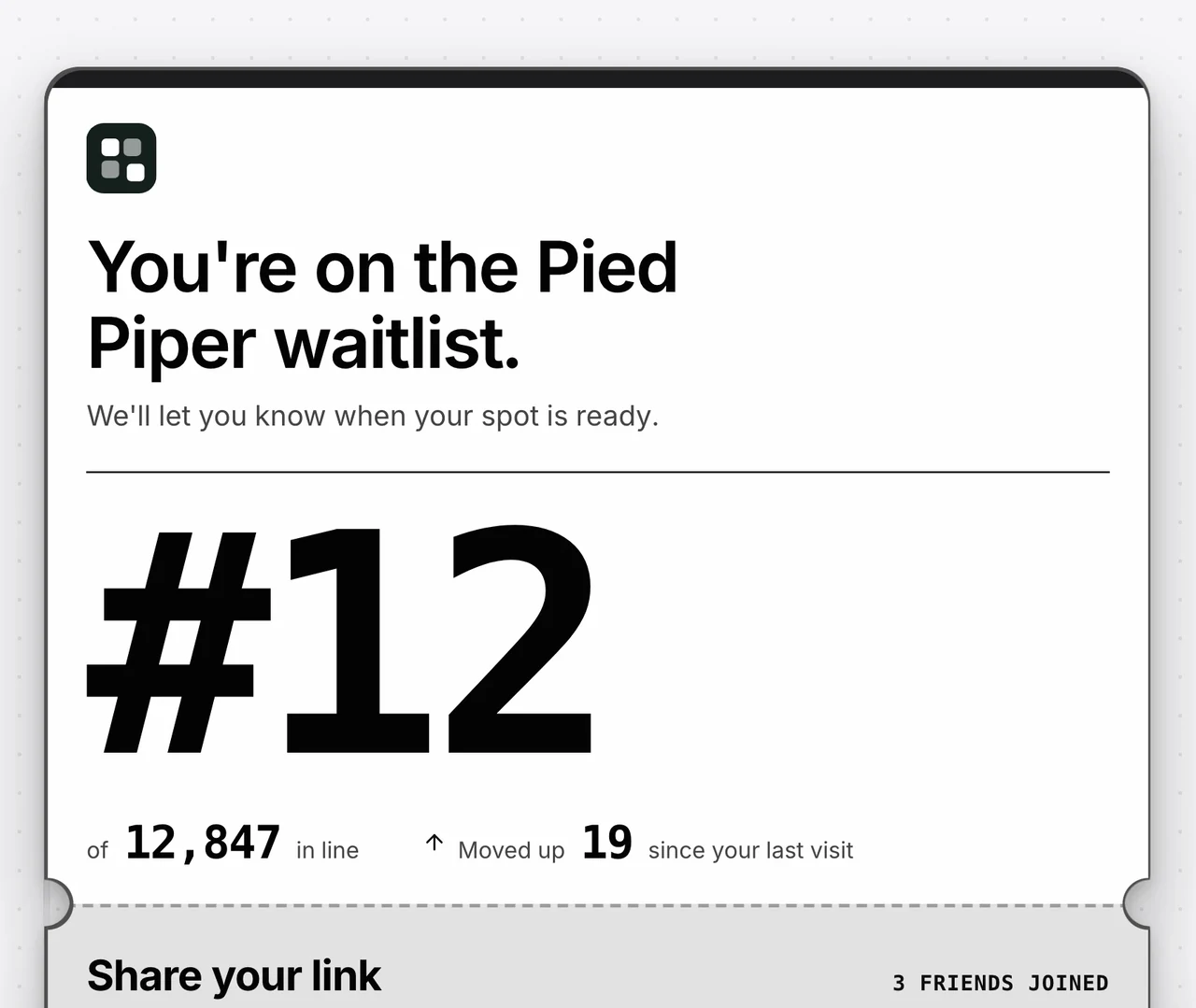
One page, laid out four ways.
A design sets the layout, type and spacing, and each one is shown here in a look of its own. On your page, your blocks, words, accent and background stay when you switch.
Your colors and type
Set the accent and the background, pick a font pairing and how round the corners are, and show your logo or your project's name at the top.
A welcome when they confirm
The first time they arrive after confirming, the page can open with confetti, an emoji you pick, or nothing at all.
Ask for a change
Type what you want, like "hide the leaderboard", and the editor makes the change in your draft. Signups see it once you publish.
See it as they will
Preview as draws the page for a signup who has not verified, one waiting in line, one you invited and one arriving after launch.
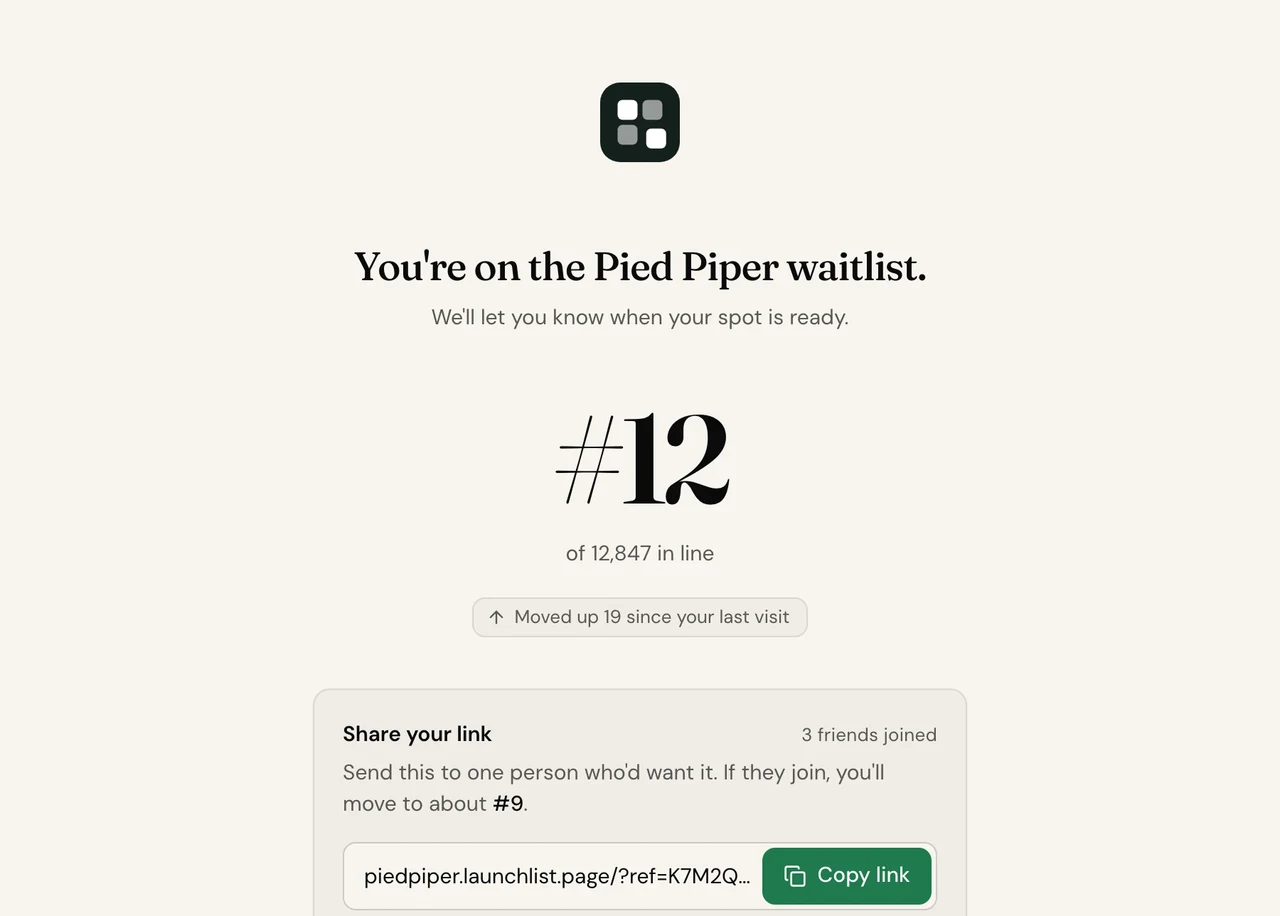
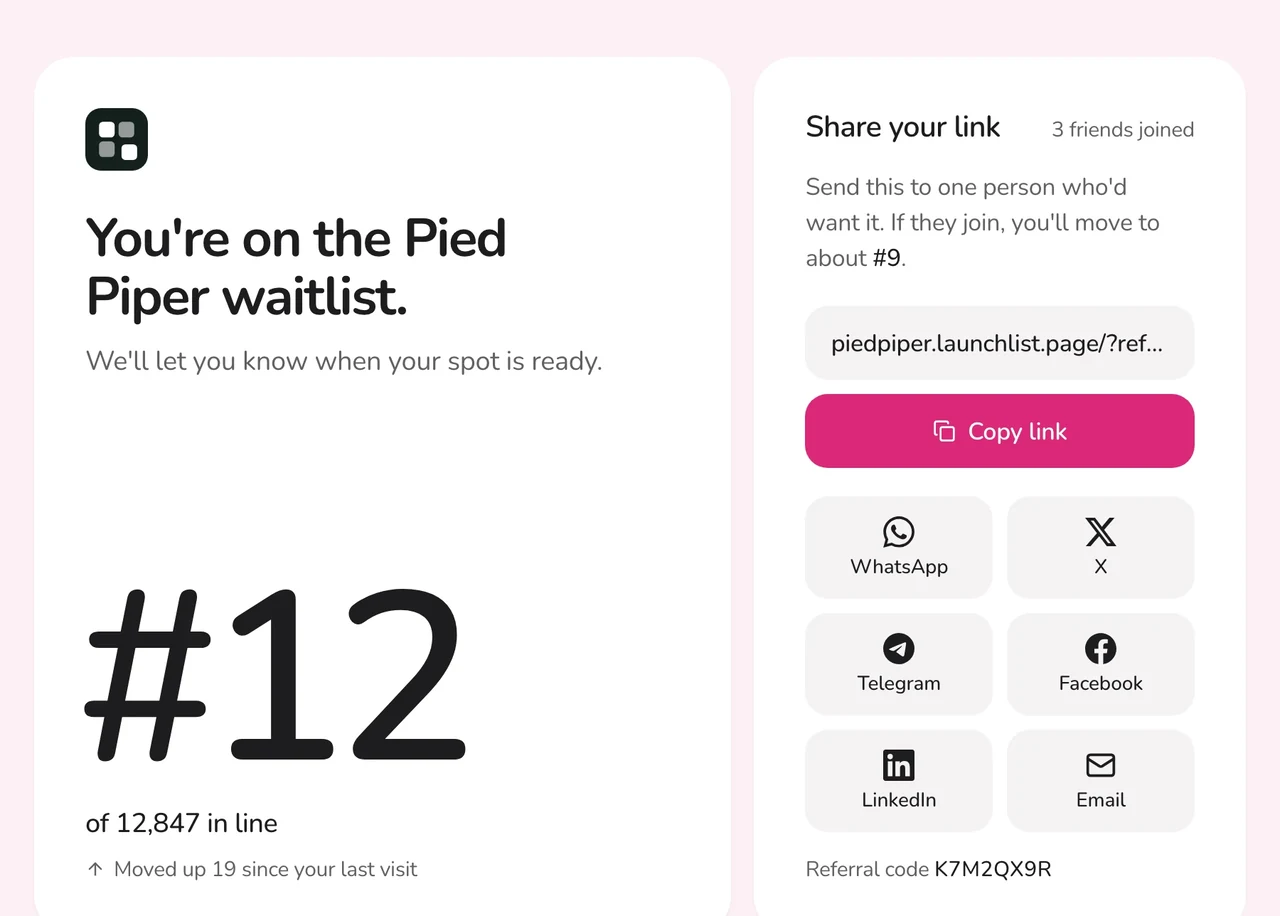
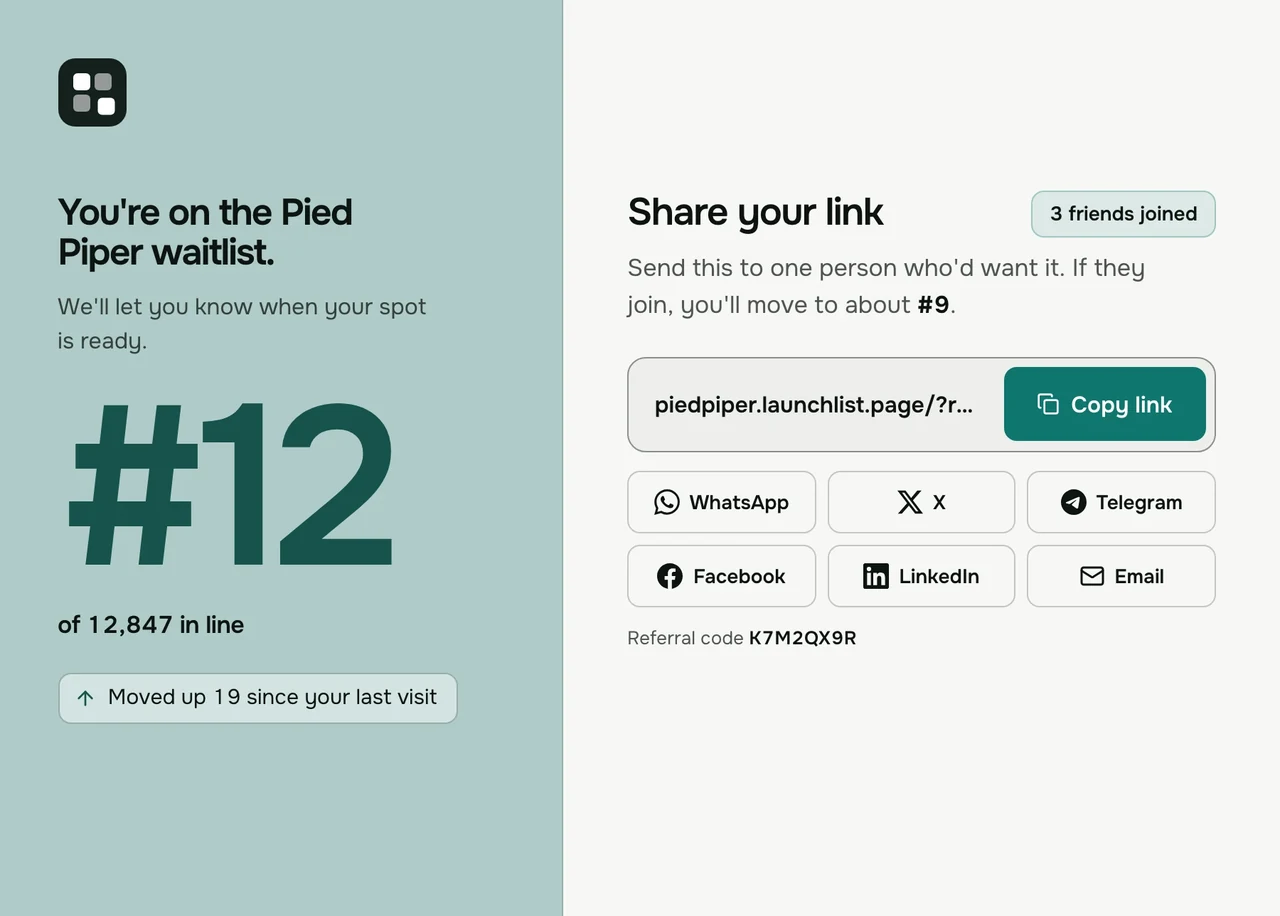
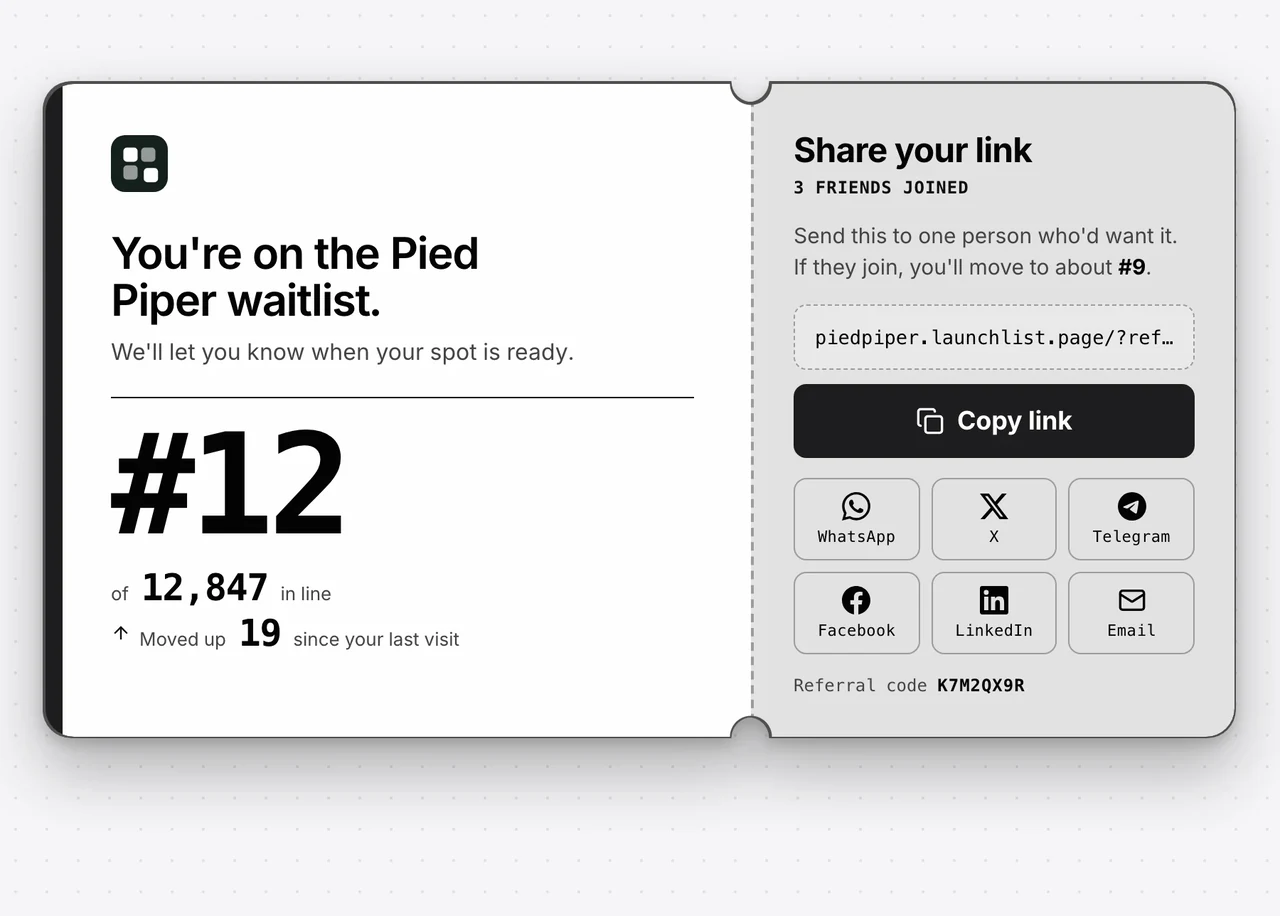
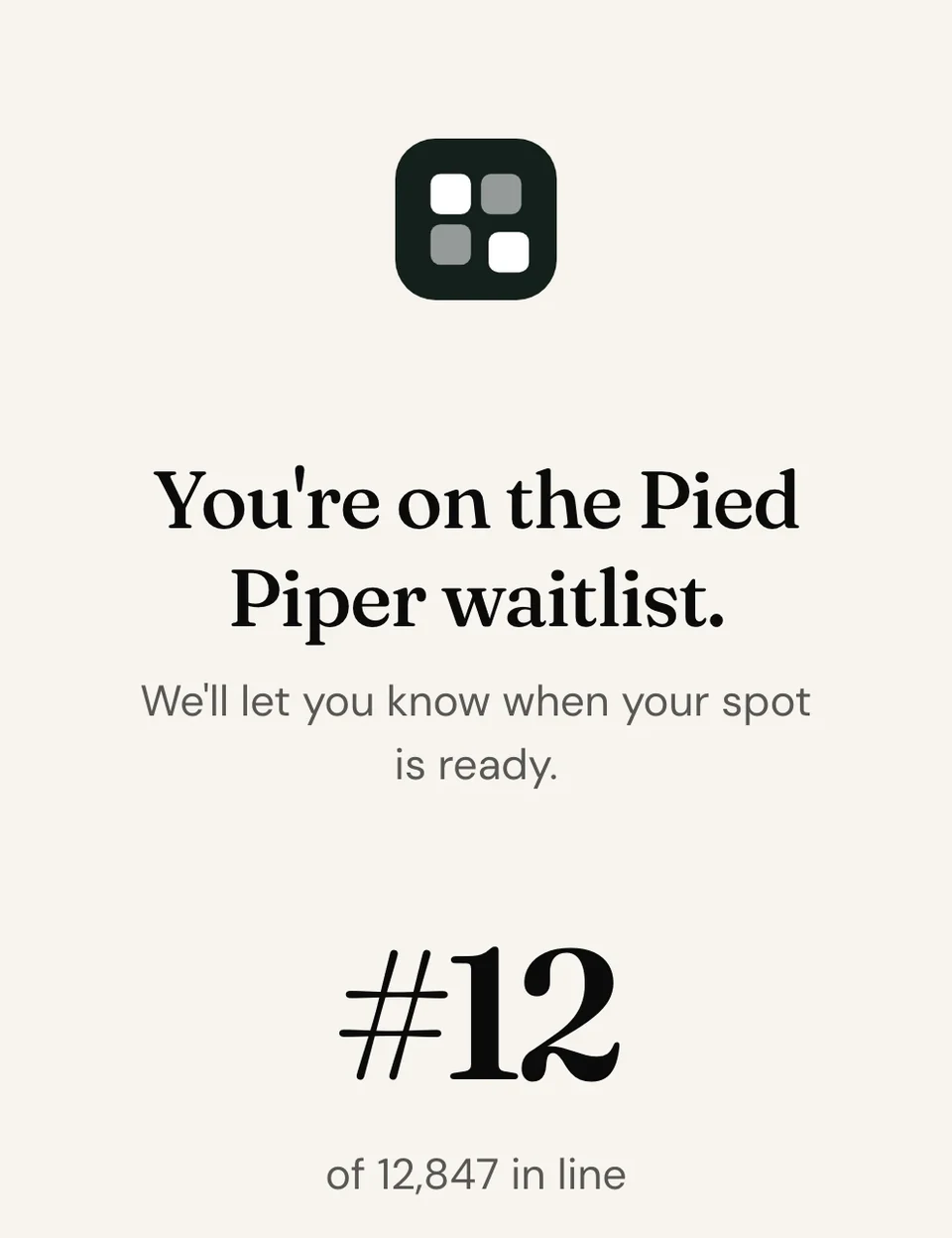
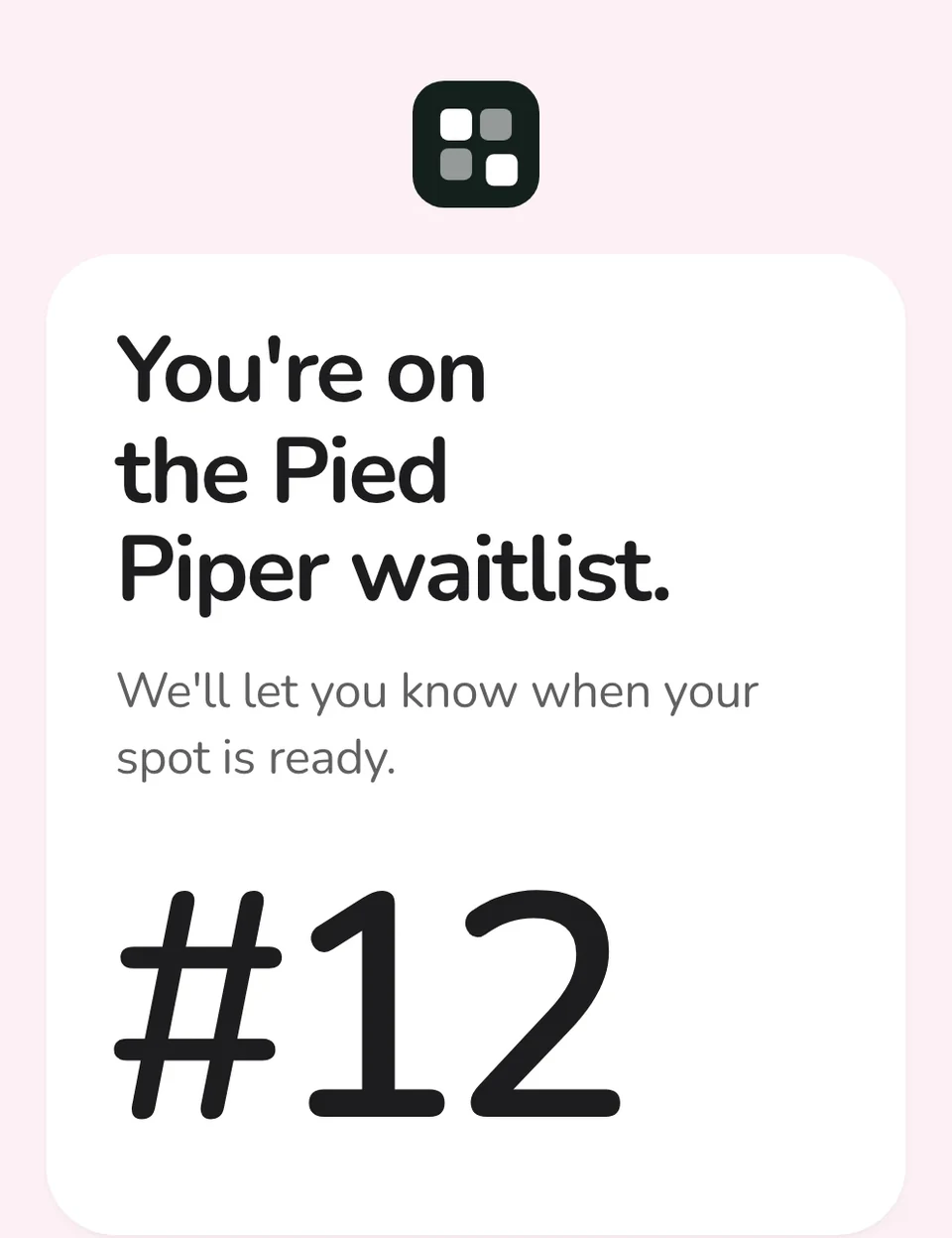
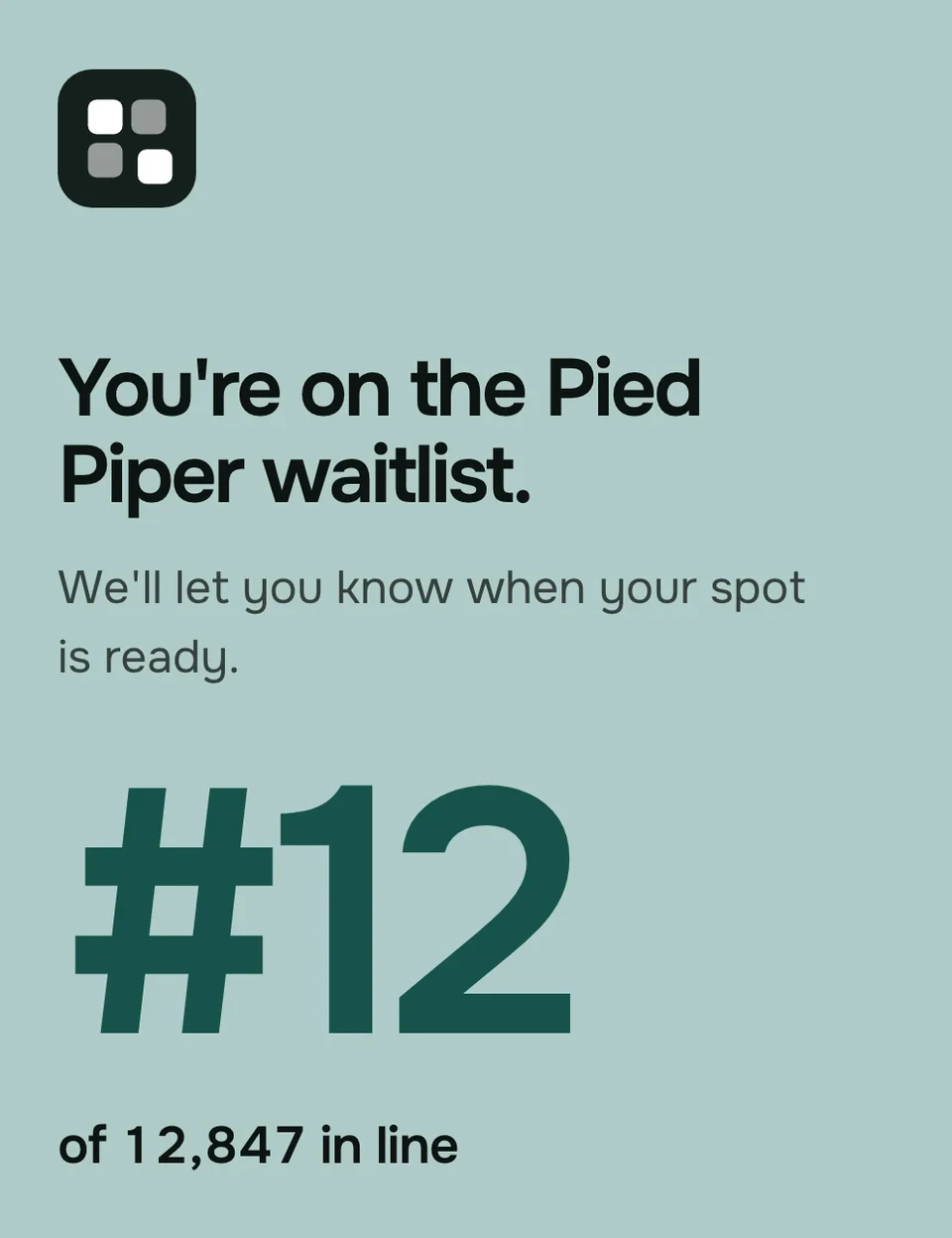
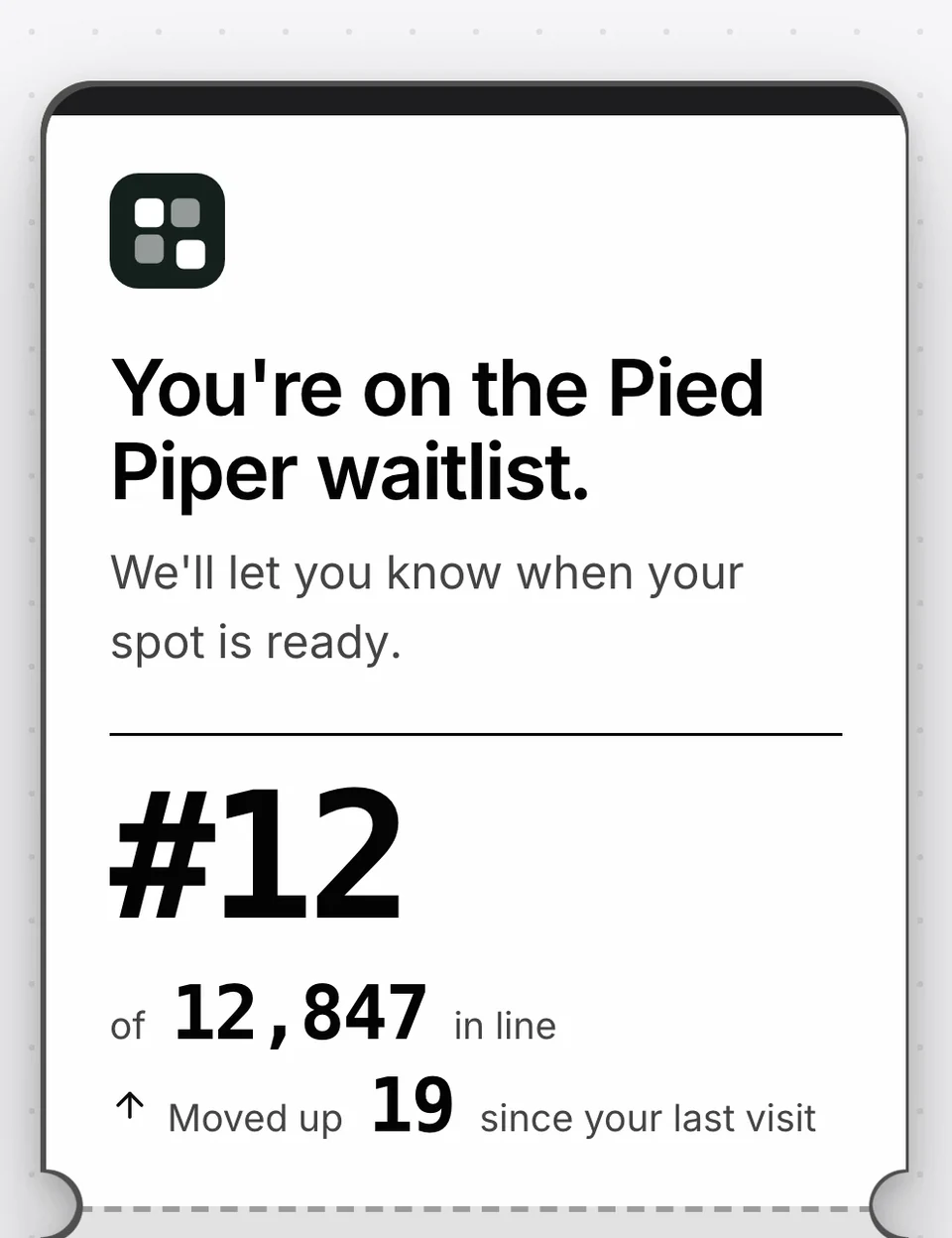
When to give signups more than a thank-you line.
Worth it once people have a reason to come back: a place that moves, a link to share or an invite on the way.
A good fit when
- Your waitlist has a referral program, and people need one place to find their link again and see if it worked.
- People get in by their place in line, so the number on the page is worth checking.
- You invite people in batches and want each one to find their code and a Claim access button without searching their inbox.
- Your launch is weeks away and you want something people can return to between your emails.
Not the right fit when
- You only want a short thanks on the form itself. Set the form to show a message in its place instead.
- You want signups to log in and manage an account. The page opens from its private link and has no password.
- You collect anonymous answers. A page goes only to a signup your form can identify, such as by email, phone number or username.
A waitlist confirmation page that changes from signup to launch day.
Each signup sees only the part that fits where they stand right now.
Before they confirm
The page asks them to confirm their email, with a Send again link for a message that went missing. On the visit after they confirm, it says Email confirmed, once.While they wait
Their place in line, how long the line is, and how far they have moved up since their last visit.Once you invite them
Their invite code with a Copy button and Claim access, which can take them straight into your product. Your Invites list shows the same code and whether it has been used.When you launch
The page says you are live and drops the line and the leaderboard. Set where its button goes, and it sends people on to your product.A few questions
Add a Survey block with one of your survey forms: several steps, with follow-ups that show only for certain answers. Every answer lands on their record.In their language
The page's own words, like buttons and dates, come in 17 languages. Choose the ones to offer, and it can match each visitor's browser.
In the docs: where a form sends new signups, early access and invite codes and how referrals work.
What founders ask about the waitlist status page.
What is a waitlist status page?
Who can see a signup's status page?
Can a waitlist form send signups somewhere other than the status page?
Can I change the words on the status page?
Can the status page use my own domain?
Is the status page on the Free plan?
Give every signup a page worth coming back to.
Every project starts with one already live. Make it yours before your first signup arrives.
Free for your first 100 contactsNo credit card needed