
Waitlist landing page templates
LaunchList's nine free waitlist landing page templates, from a one-screen coming soon page to a full page for a SaaS beta. Open one and try it in eight styles before you sign up.
Free for your first 100 contactsNo credit card needed
Pre-launch landing pages for every kind of launch.
Each template is a whole page for one kind of launch, with its sections in order and its words written. Open one to scroll it and see what is on it.
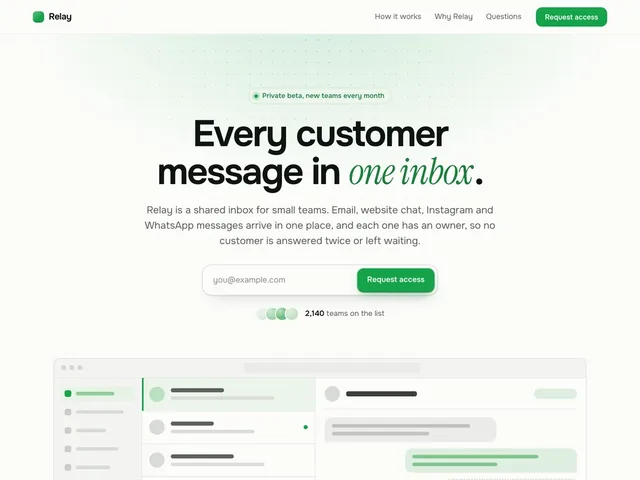
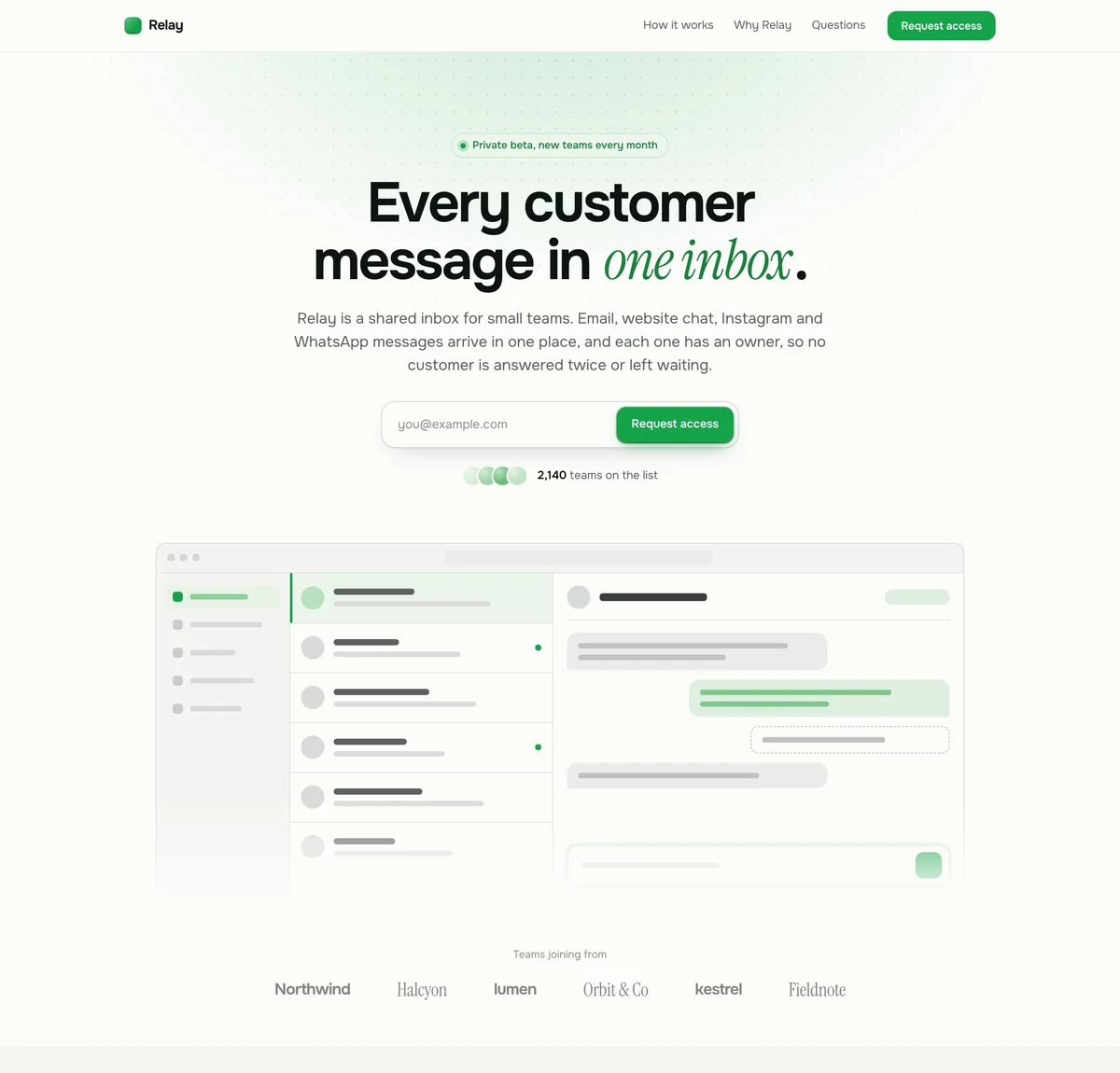
Relay: SaaS waitlist landing page template
A full product page for software in private beta, led by a screenshot of the app.
Preview template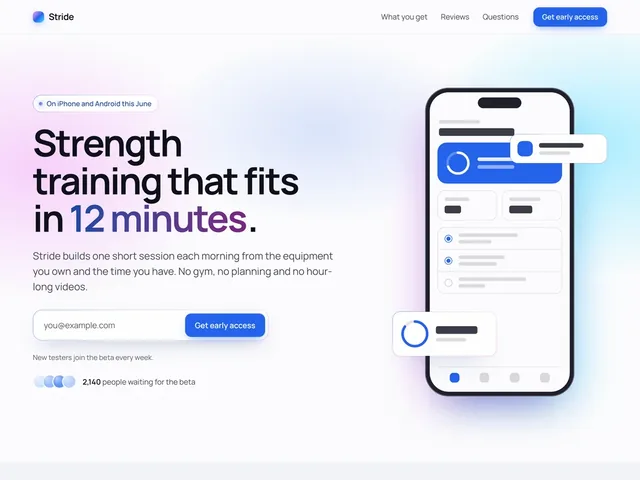
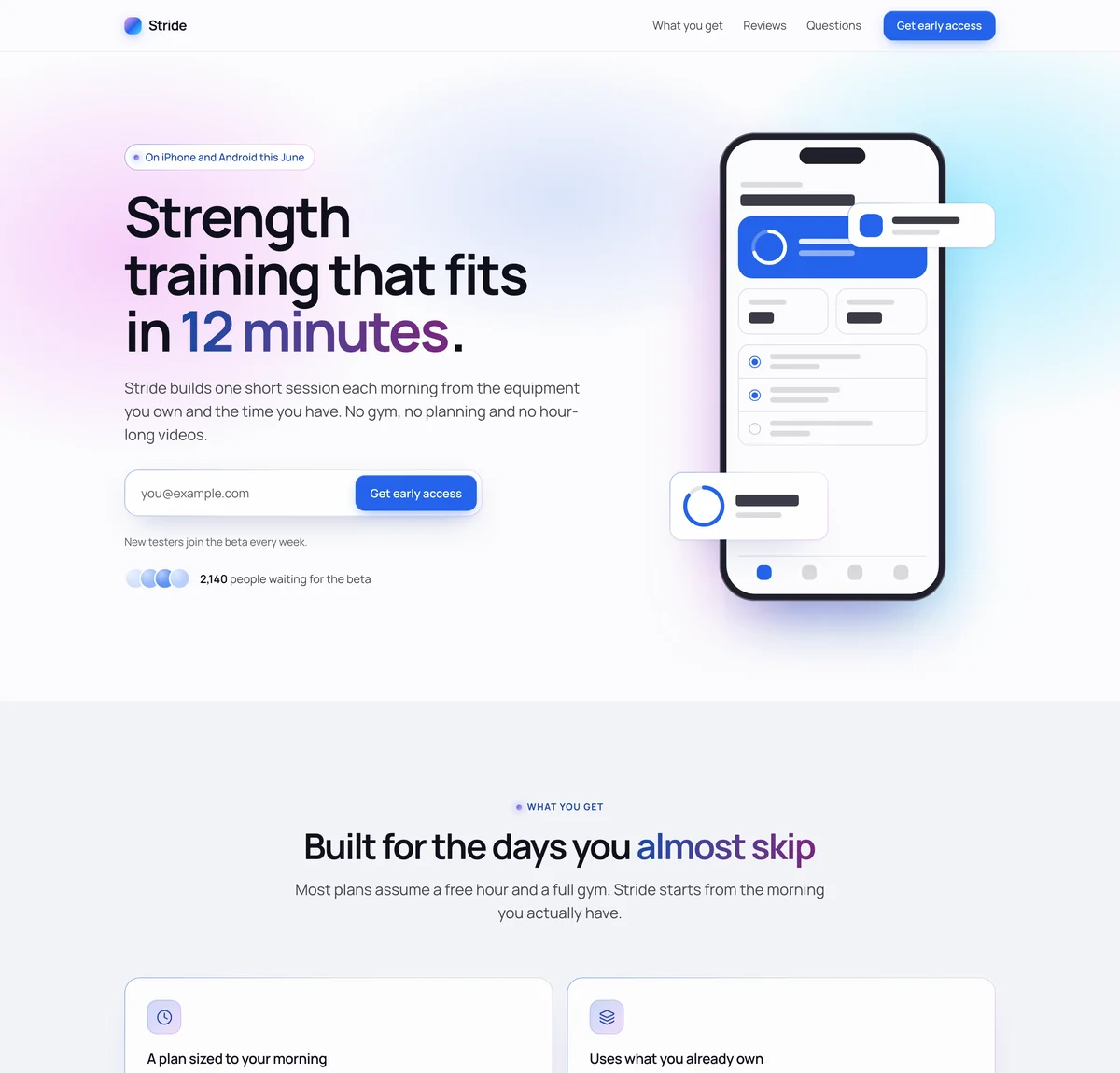
Stride: App waitlist landing page template
Your app on a phone beside the headline, then what it does, the numbers and what testers say.
Preview template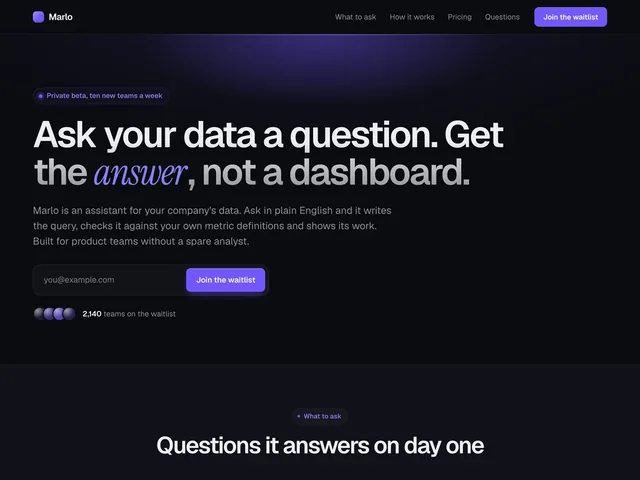
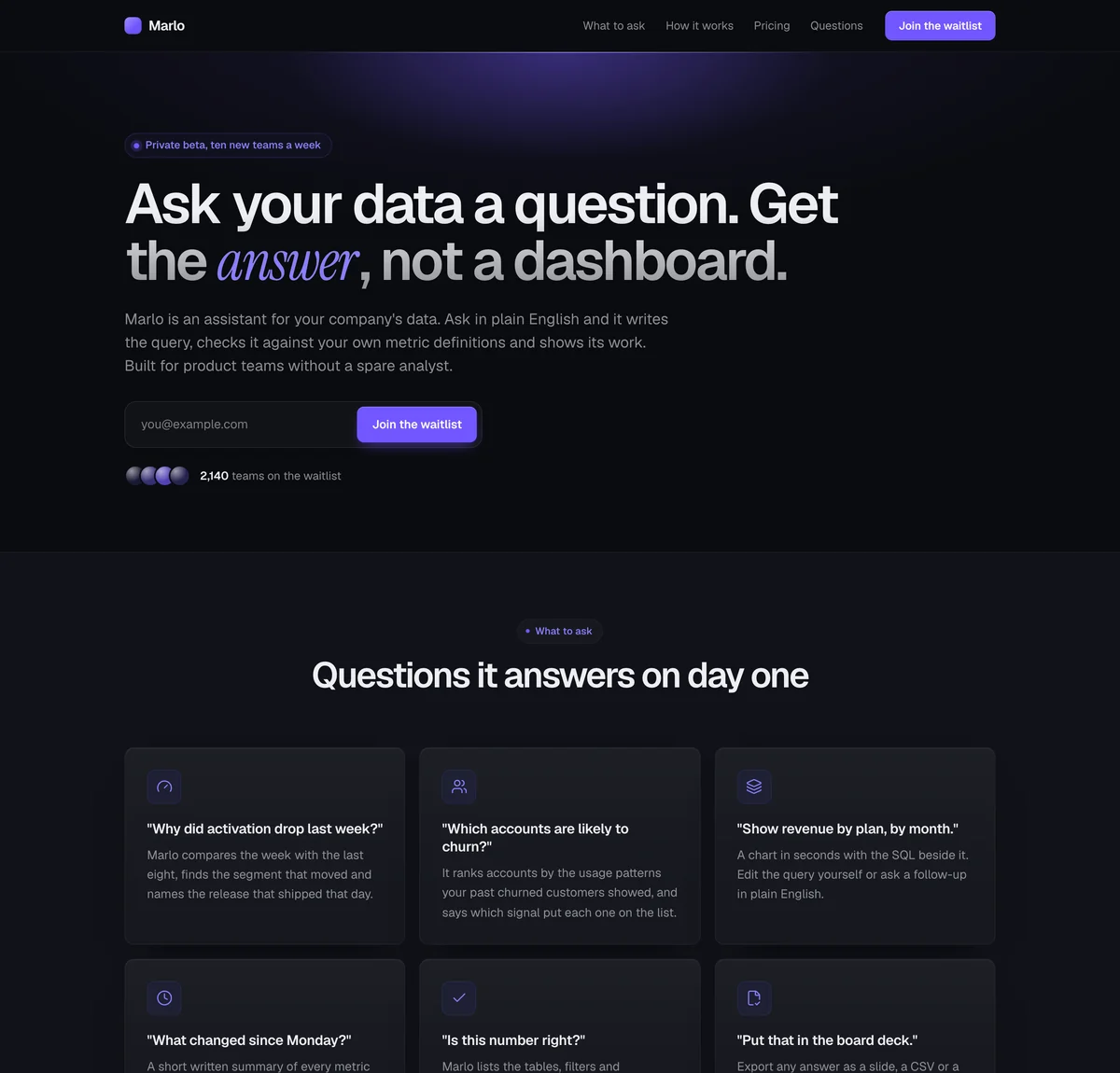
Marlo: AI startup waitlist landing page template
A text-led page with a product demo, the questions it answers as cards, and pricing.
Preview template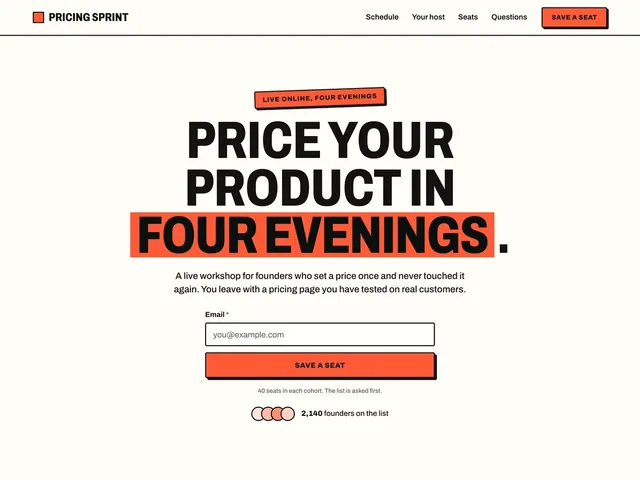
Pricing Sprint: Event waitlist landing page template
The date and a live countdown at the top, the schedule as a timeline, a note from the host and seats.
Preview template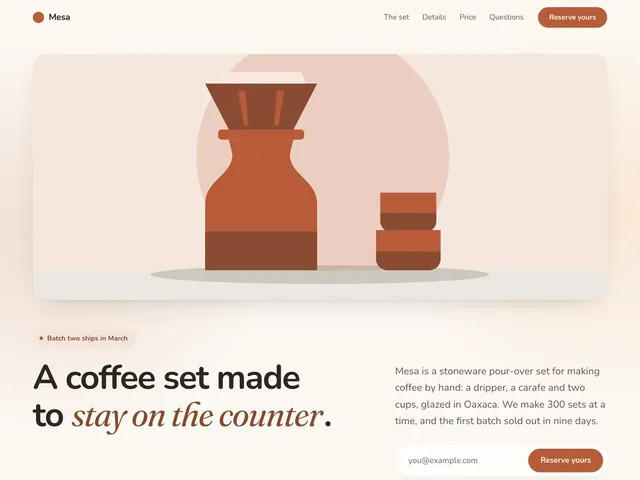
Mesa: Pre-order waitlist landing page template
One large product photo, a gallery, the details, prices and how many are reserved.
Preview template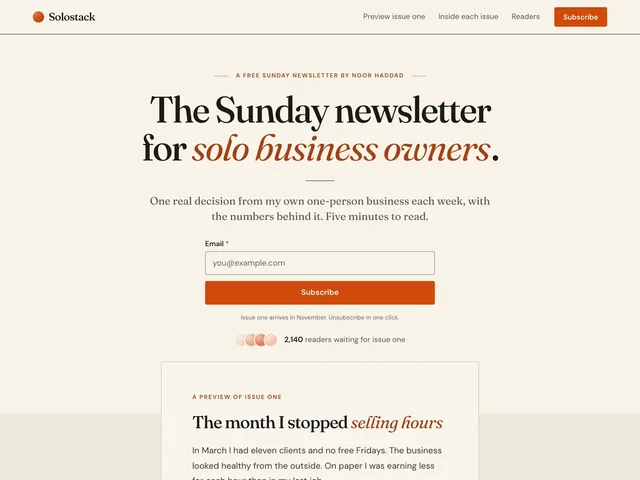
Solostack: Newsletter waitlist landing page template
A sample issue under the headline, what every issue holds, what readers say and the form.
Preview template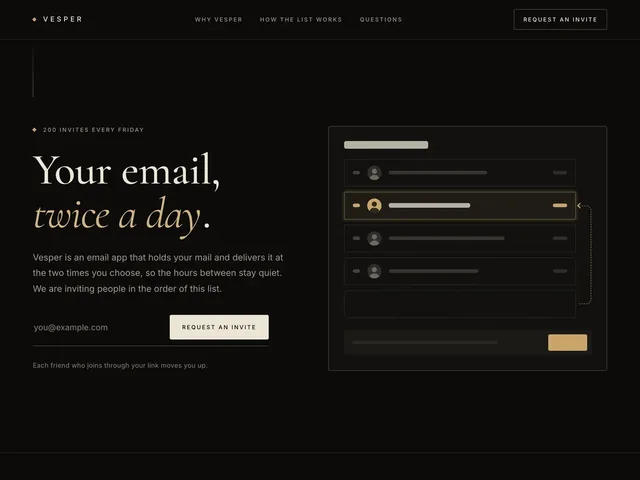
Vesper: Referral waitlist landing page template
A waiting line beside the headline, then the live count, how to move up, the rewards and the top referrers.
Preview template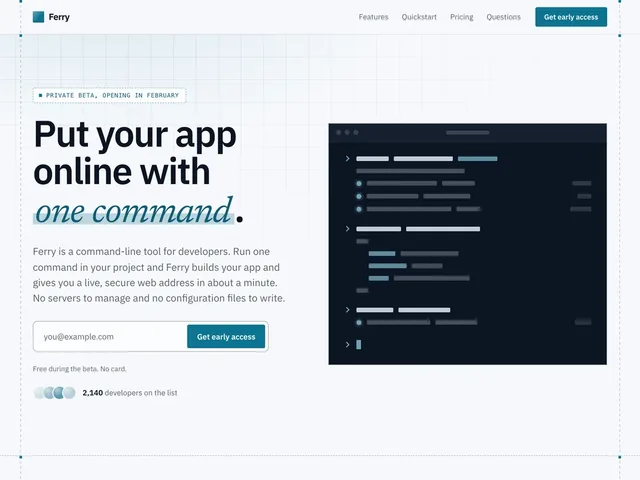
Ferry: Developer tool waitlist landing page template
The headline beside a terminal, then a quickstart, a changelog and a pricing table.
Preview template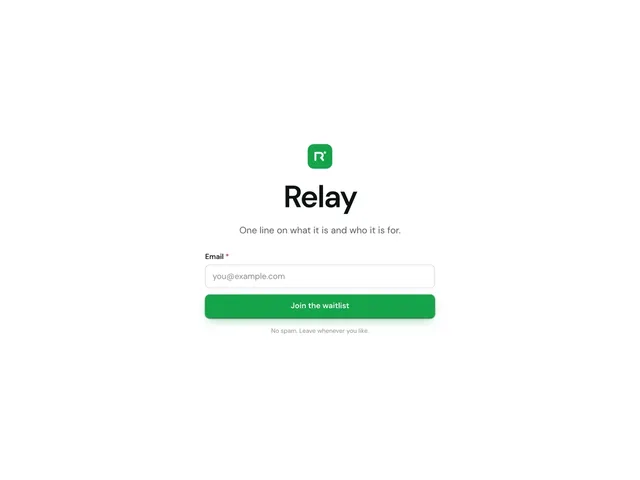
One screen: Coming soon waitlist page template
Your logo, your project's name, one line and the signup form, centered on a single screen.
Preview templateHow to make a pre-launch waitlist page from a template
Pick the closest template
Open a template, scroll through it and try it in each style. Choose by what you are launching: the look can change later and your words stay.Say what you are building
Give your product a name and one line about it. The starting pages are then written about your product, in place of the made-up one in the template.Publish and share one link
Add your color and your logo, then publish. The page is hosted for you on a LaunchList address, and your own domain comes with the Collect, Launch and Grow plans. Every signup joins your waiting list.
Want to see pages other founders launched with first? Read waitlist landing page examples, or see how the page editor works.
Compare the waitlist landing page templates
Each template is a pre-launch landing page for one kind of launch. Choose by who the page is for and the sections it starts with.
| Template | Best for | Sections on the page |
|---|---|---|
 Relay: SaaS waitlist landing page template Relay: SaaS waitlist landing page template | B2B and SaaS products opening a beta or early access. |
|
 Stride: App waitlist landing page template Stride: App waitlist landing page template | iPhone and Android apps before they reach the stores. |
|
 Marlo: AI startup waitlist landing page template Marlo: AI startup waitlist landing page template | AI assistants, copilots and developer tools. |
|
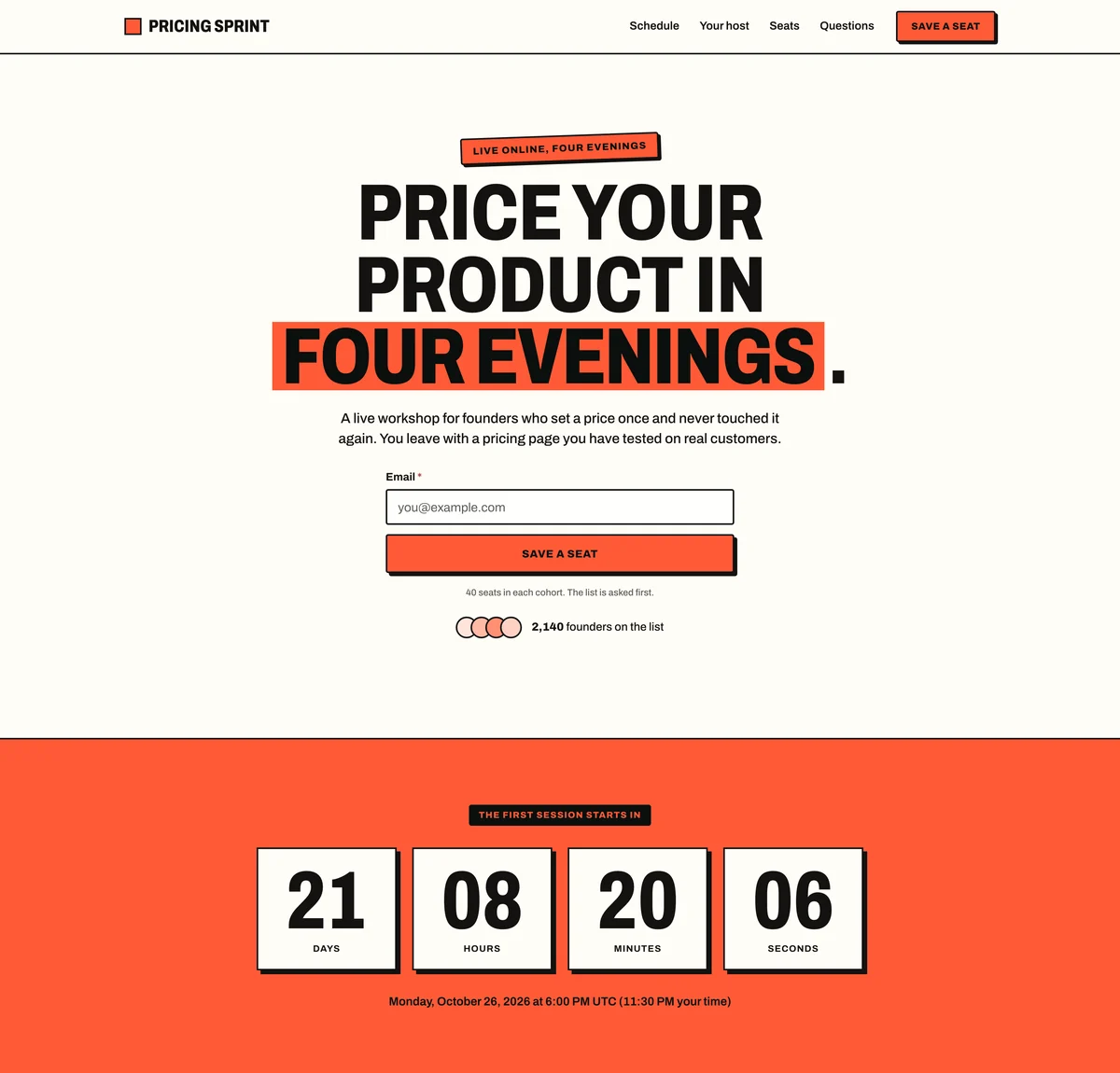 Pricing Sprint: Event waitlist landing page template Pricing Sprint: Event waitlist landing page template | Launch events, cohort courses and workshops. |
|
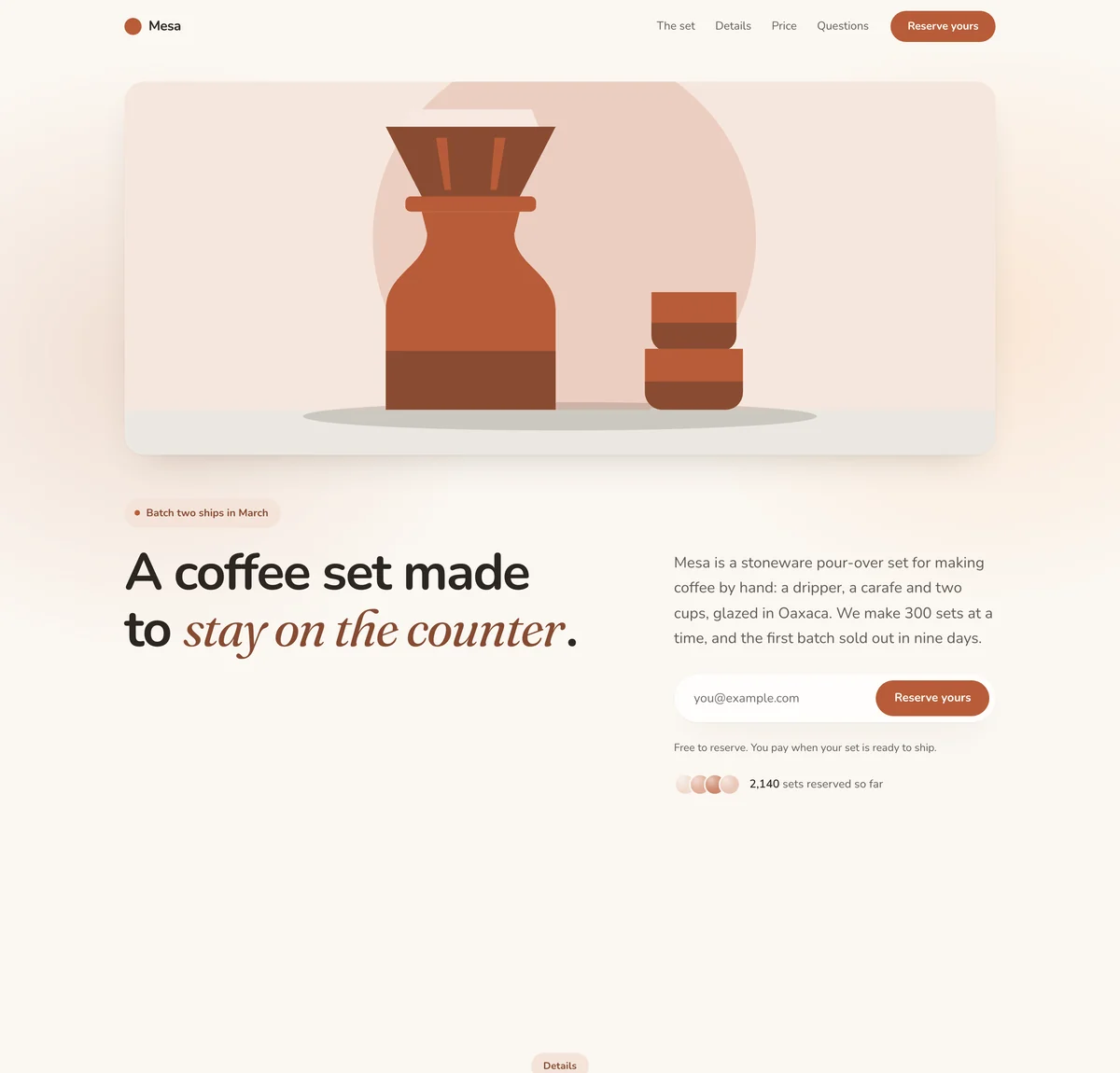 Mesa: Pre-order waitlist landing page template Mesa: Pre-order waitlist landing page template | Physical products and paid reservations. |
|
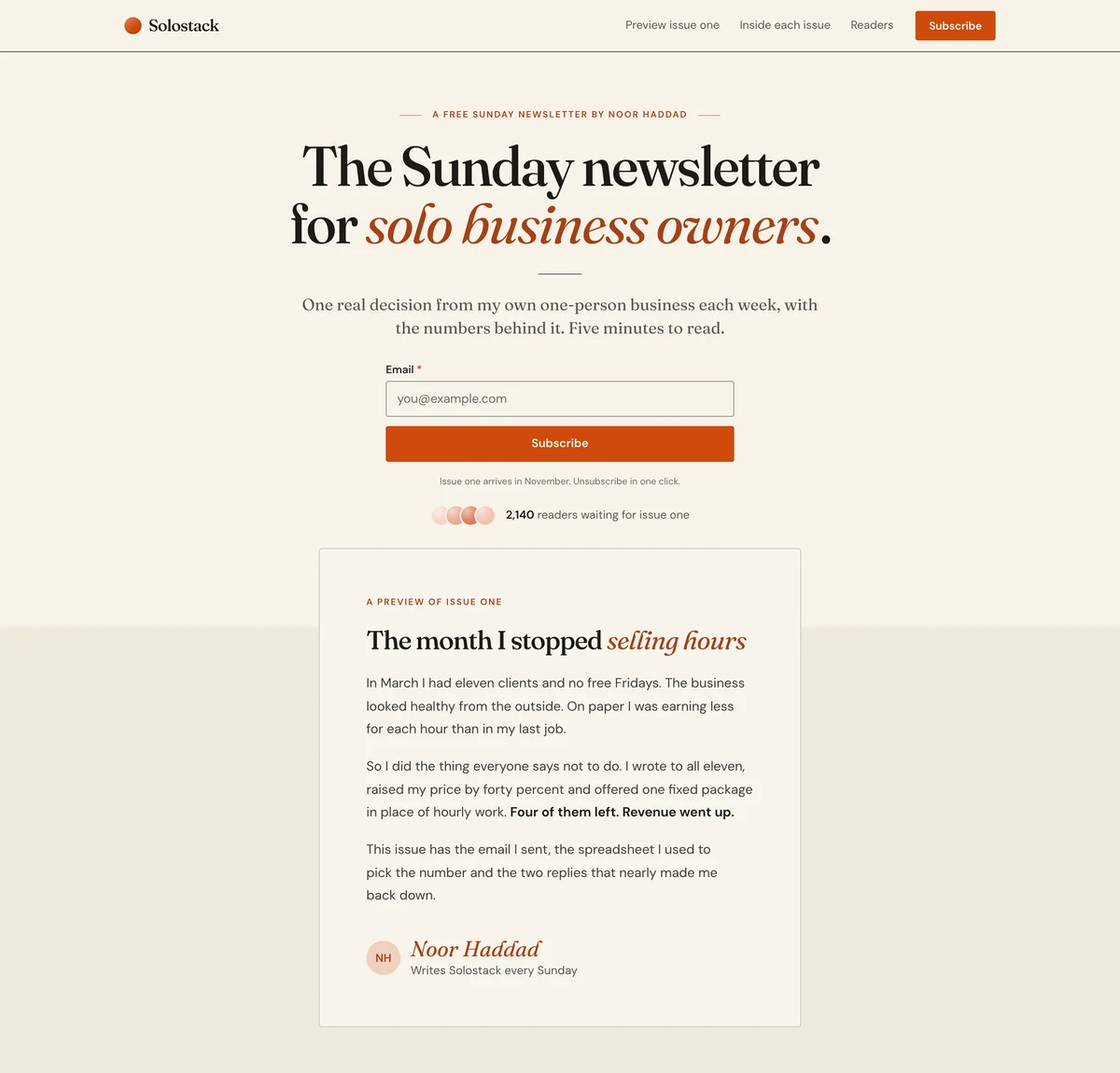 Solostack: Newsletter waitlist landing page template Solostack: Newsletter waitlist landing page template | Newsletters, creators and founders building in public. |
|
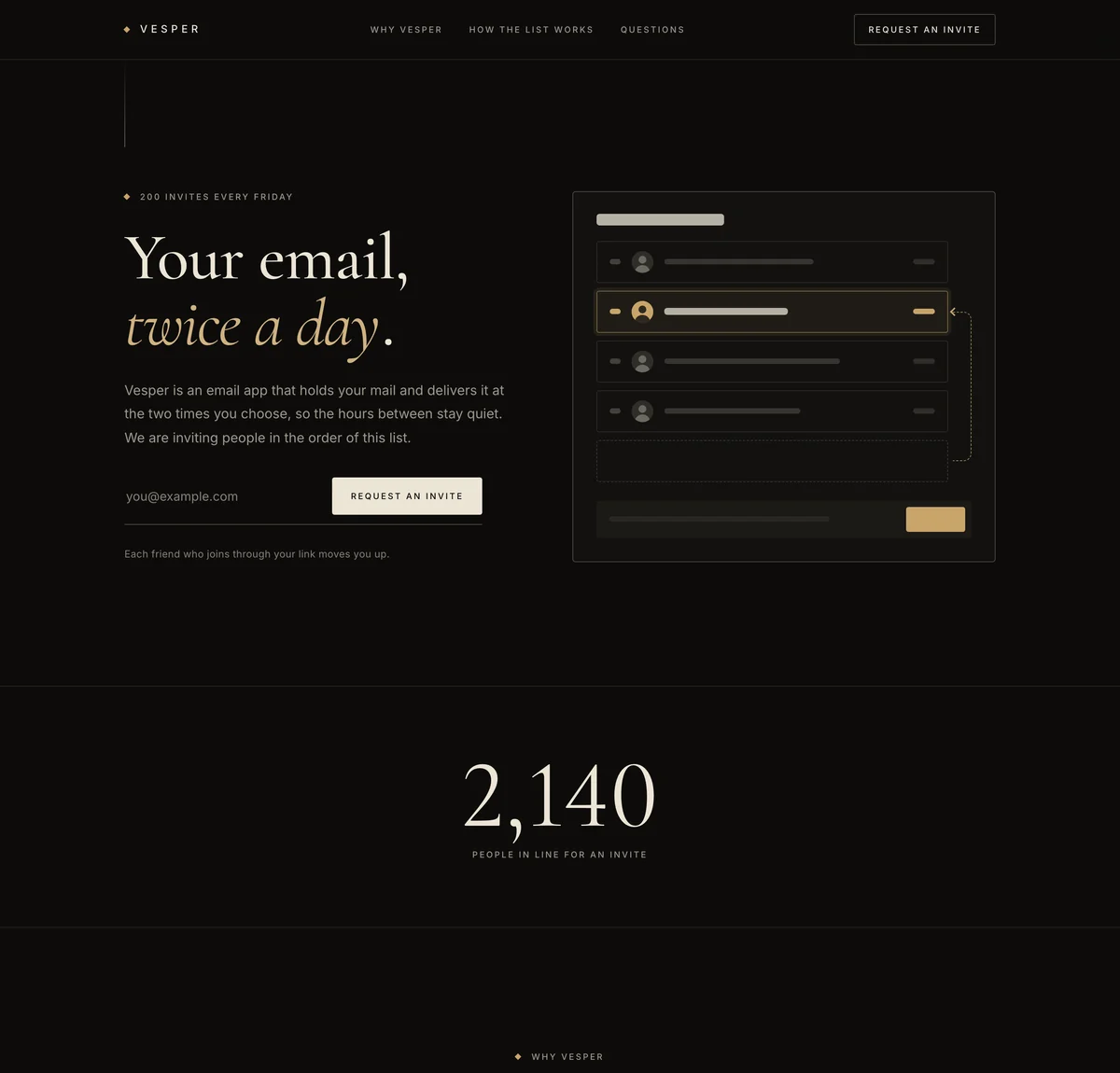 Vesper: Referral waitlist landing page template Vesper: Referral waitlist landing page template | Products that open by invitation, in the order of the list. |
|
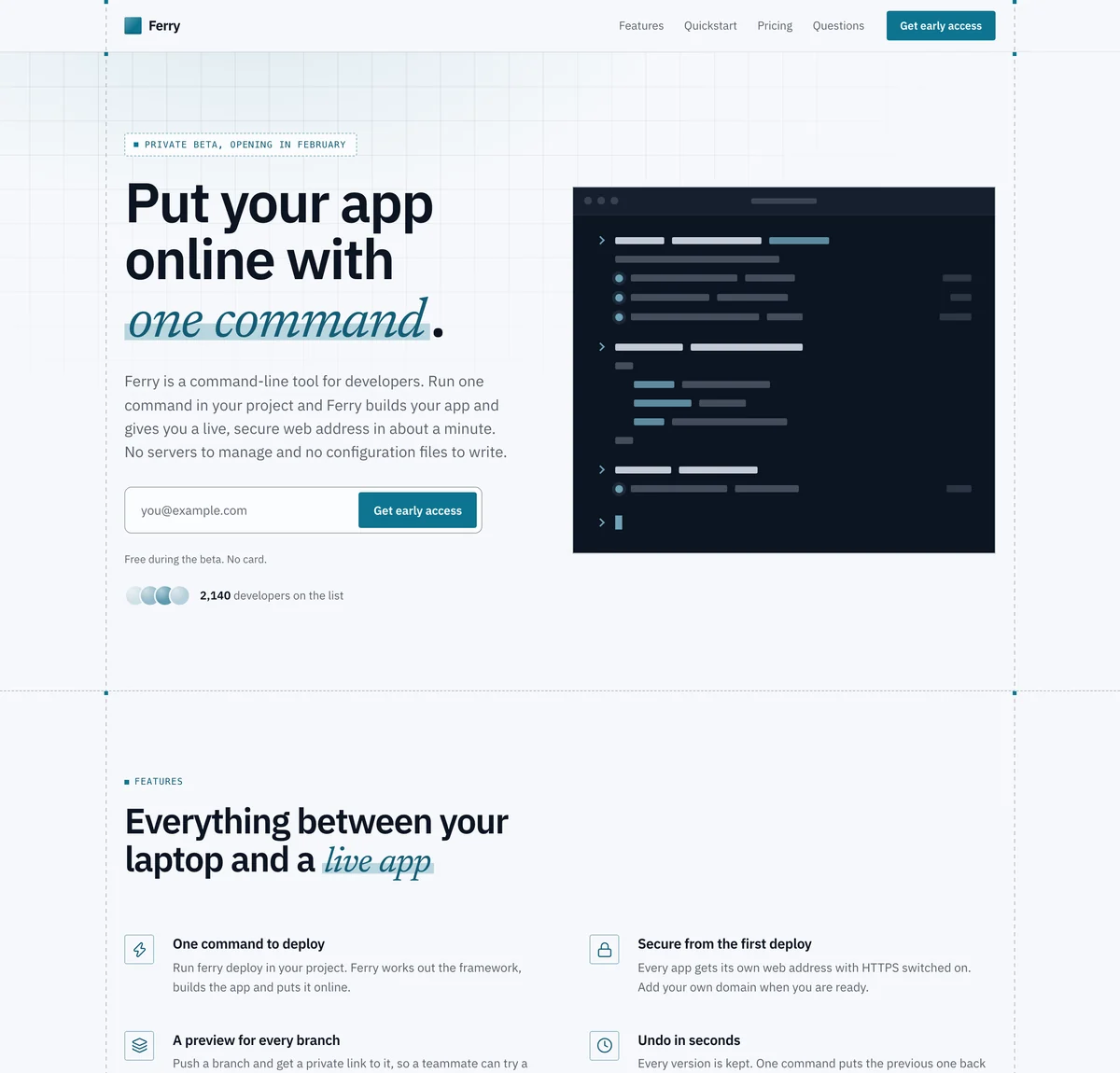 Ferry: Developer tool waitlist landing page template Ferry: Developer tool waitlist landing page template | APIs, command-line tools, open source and infrastructure. |
|
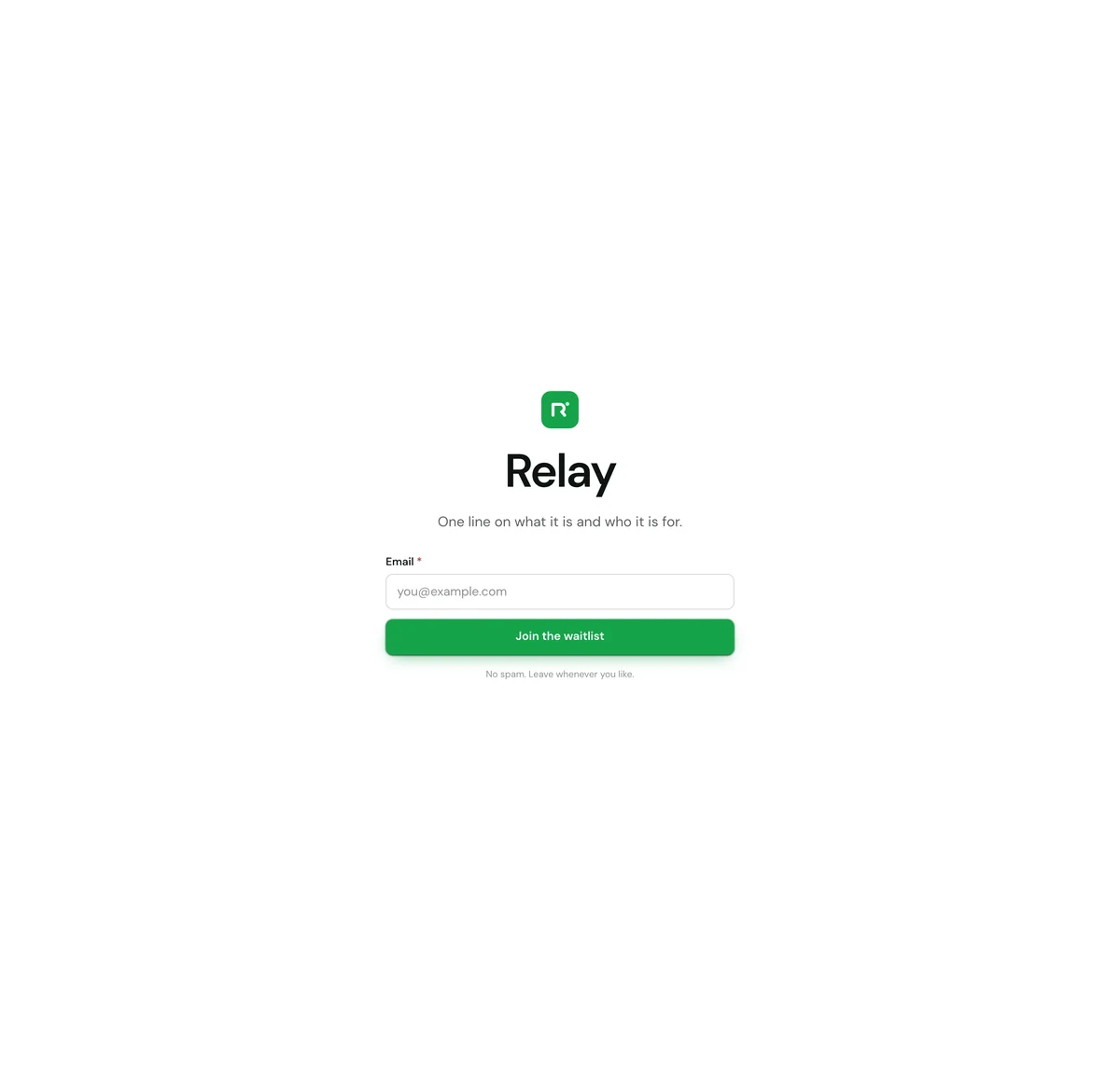 One screen: Coming soon waitlist page template One screen: Coming soon waitlist page template | A coming-soon page you can publish today and add to later. | Everything on one screen |
A section in green is in one or two of the templates only. You can add any block to any template.
Add any block to any template
A template is a starting set. The editor has 19 blocks, and you can add any of them to any waitlist page, then move, duplicate or remove sections until the page is yours.
Navigation
Your name, links and a button at the top.Hero
The headline, a line of support and the signup form.Logos
A row of customer or partner names.Benefits
Reasons to sign up, as cards, columns or rows.Steps
How it works, in order, as columns or a timeline.Numbers
A few numbers that make the case.Quotes
What people say about it.Questions
Answers to the questions people ask first.Pricing
Your plans side by side, with one marked as the pick.Story
A few paragraphs, or a signed note from you.Media
One image, a video, or a gallery of screenshots.Countdown
The days, hours and minutes left until your launch date.Signup form
Your signup form on its own, anywhere on the page.Signup count
How many people have signed up, counted live.Leaderboard
The people who referred the most signups.Referral rewards
What people earn for referring friends.Updates
Your latest published updates, with a link to all of them.Call to action
A closing headline with the signup form.Footer
Small print and links, at the bottom of the page.- See the page editor
Every template comes in eight styles
A style changes the colors, fonts and corners of the whole page at once, and your words and sections stay as they are. Try all eight on Relay, the SaaS waitlist landing page template.
Studio. Bright and product-led: a warm white page, quiet gray bands and one dark band.
Change anything on the page
A style is the start. The editor lets you change how every part of a waitlist landing page looks and reads.
Your color, fonts and corners
Set the accent color, the fonts and the corners once, and every section follows.A few layouts for most blocks
Most blocks come in finished layouts, so a section can change shape and keep its words.Move, duplicate or remove
Drag a section to a new place, duplicate it or delete it. Add a block puts a new one where you want it.Ask for a change
Say what you want changed in a sentence and the page is edited for you, with an Undo on every change.Preview, then publish
Check the draft at desktop and phone width. Sections and words go live only when you publish; your logo and share preview change at once.Your logo and share preview
Add your logo, and set the title, description and share image a pasted link shows.
Waitlist landing page template questions
What is a waitlist landing page template?
What should a waitlist landing page include?
Is a waitlist page the same as a pre-launch or coming soon page?
Are the templates free to use?
Can I change a template after I pick it?
Do I have to write the page myself?
Can I use a template on my own domain?
Do I need my own website?
What happens after someone signs up?
What is the difference between a template and a style?
Start from a page that is already written.
Pick a template, say what you are building, and open your waitlist the same day.
Free for your first 100 contactsNo credit card needed