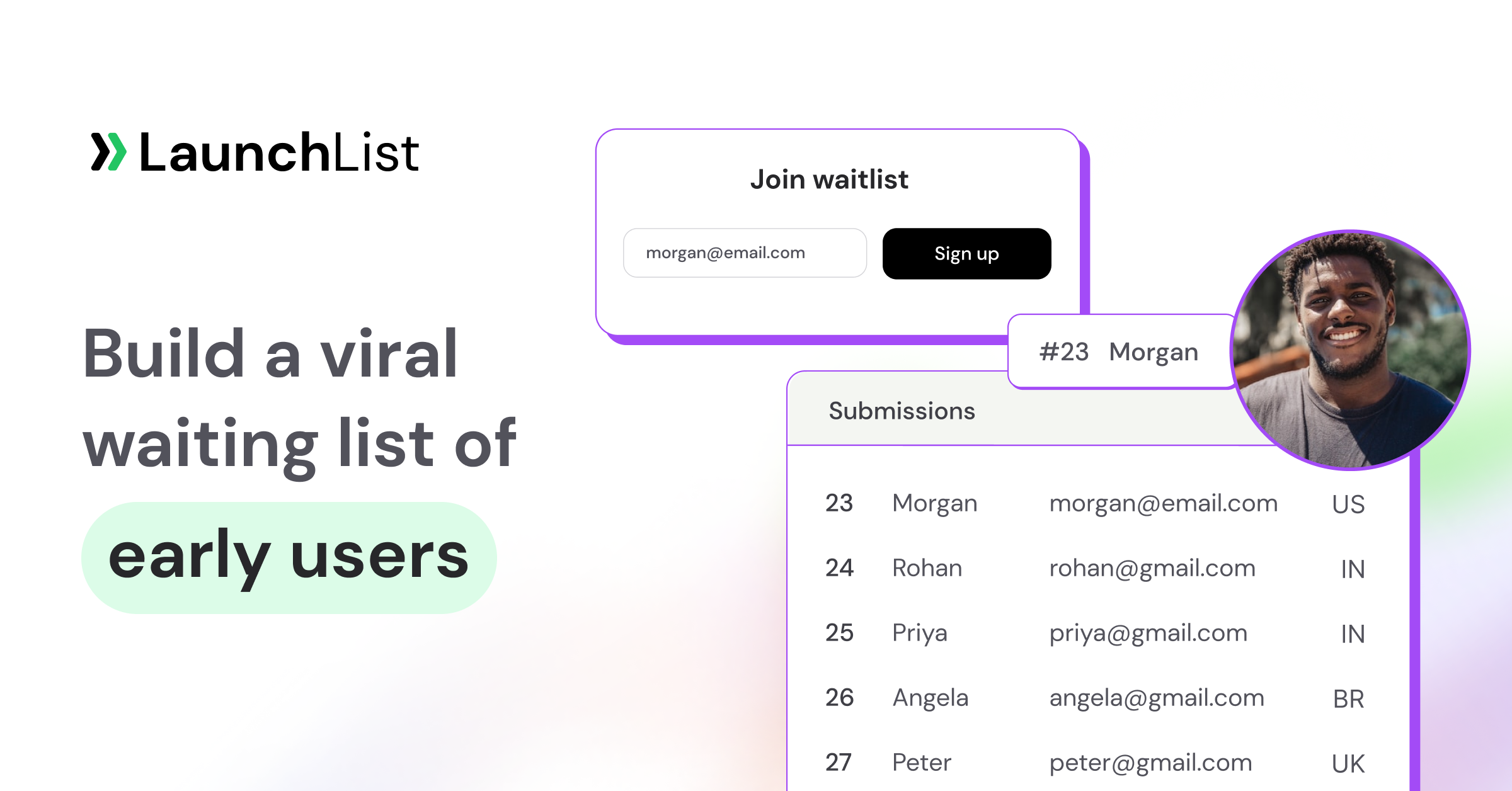
TL;DR: In September 2008, Dropbox launched a two-sided referral program offering 500MB of free storage to both the inviter and the invitee, capped at 16GB total. Over the next 15 months, signups grew from 100,000 to 4,000,000, a 3,900% increase, and referrals drove 2.8× more signups than Dropbox's paid acquisition channels at the time. This case study breaks down the exact mechanic, why it worked, and the six replicable lessons that apply to any modern pre-launch waitlist or product launch. To run the same loop before you have a product, LaunchList, pre-launch waitlist software for founders, gives every signup a referral link and a live position, credits a referral only after the friend verifies, and unlocks reward rungs automatically.
The numbers
The headline stats from Drew Houston's public talks and the Dropbox team's subsequent writeups:
- Pre-program: ~100,000 signups (September 2008)
- Post-program: 4,000,000+ signups (December 2009, 15 months later)
- Growth multiple: ~40×, a 3,900% increase
- Referrals as % of signups: 35% came from direct referrals at peak
- Paid-acquisition lift: Referrals delivered 2.8× more signups per dollar than Google AdWords at the time
- K-factor estimate: Independent analyses put Dropbox's K-factor at 1.5–2.0 during the viral period, well above the 1.0 threshold required for compounding growth
No other single growth initiative at Dropbox in its first decade produced results this dramatic. The program was, by the team's own admission, the most important single decision in making Dropbox a billion-dollar company.
The exact mechanic
Dropbox's referral program was elegant in its simplicity. Three mechanics in combination:
1. Two-sided storage rewards
- Inviter got 500MB of extra storage for each successful referral.
- Invitee got 500MB of extra starting storage for signing up through the referral link.
- Cap: 16GB total per account (so the upper limit was 32 referrals for paying users, less for free).
The key wasn't just "free storage"; it was that both sides benefited. The inviter didn't feel like they were asking for a favor; the invitee didn't feel like they were doing the inviter a favor. Both sides felt they were getting value.
2. Directly-relevant reward
Storage was the single most-requested Dropbox feature at the time. Users wanted more space; the referral program gave them exactly that. Compare this to a product that rewards users with, say, gift cards: the reward is generic, and uptake is lower because the user has to mentally convert "gift card" to "thing I actually want." Dropbox's reward was itself more of Dropbox.
3. Low friction at every step
- The referral link was surfaced on the main app screen, not buried in settings.
- Pre-filled invitation templates were one click to use.
- New users' accounts auto-credited storage on signup, with no "approval" step.
4. Social sharing integration
Dropbox integrated referral links with Facebook (still young in 2008), Twitter, and email. Users could share in one click to whichever channel their network lived on. Most competitors at the time required copy-paste.
5. Visible progress
Users saw their extra storage accumulate. Every successful referral produced an immediate, visible win, which is the feedback loop that drives continued sharing.
Why it worked: the 5 ingredients
Dropbox's referral program wasn't magic. It worked because it satisfied the fundamental requirements of a viral loop:
1. Activation was fast
Users hit "send me the app," installed it, saw a file sync to another device, and the magic moment of "oh, this is useful" happened within minutes. The fast activation meant users hit the referral prompt while the product was still top-of-mind.
2. The value exchange was fair
500MB for both sides, no strings. Compare to "get $10 when your friend buys a $200 plan": the exchange is asymmetric, and both sides feel it. Dropbox's program felt like a gift you could give freely.
3. The sharing mechanism was frictionless
One-click email, pre-filled text, native social integrations. Every extra click costs you invitations. Dropbox kept it to zero clicks beyond "share."
4. The reward reinforced core product use
More storage = more files synced = more referral opportunities. The loop reinforced itself: each reward directly increased the chance of the user hitting the next referral trigger.
5. Cycle time was short
Users could go from "install Dropbox" to "sent 3 referrals" in their first day of use. Short cycle time means the K-factor math compounds faster. See our breakdown of why cycle time matters more than raw K for the math.
The 6 replicable lessons for your launch
You're probably not building a file-sync product. But the mechanics Dropbox proved are transferable to any pre-launch waitlist, SaaS launch, or consumer product referral program.
Lesson 1: Make the reward more of your product
If you can give away "more of the thing the user already signed up for," the referral program practically sells itself. Storage for a storage product. Credits for a usage-based product. Team seats for a collaboration product. Free months for a subscription product. The worst rewards are generic; the best are self-referential.
Lesson 2: Always make it two-sided
Both the inviter and the invitee should benefit. This doubles perceived fairness, increases invitation acceptance rates, and removes the "I'm asking a favor" psychological barrier. Single-sided rewards work, but two-sided rewards remove the awkwardness of asking.
Lesson 3: Surface the sharing UI prominently
If the referral link is buried in a settings menu, almost nobody uses it. Put it on the main screen and people actually share. The UI placement matters more than the reward amount in most cases.
Lesson 4: Pre-fill the share message
Don't make users compose. Write a default message, let them edit if they want, but default to send-now. A pre-filled message gets sent far more often than a blank box.
Lesson 5: Show progress visibly
Make the reward counter visible. "You've unlocked 2.5GB extra storage" beats "check your account for bonuses." Visible progress = continued sharing.
Lesson 6: Test the K-factor early
Before you scale a referral program, prove K > 1 on a small cohort. A program that hits K = 0.5 on a 1,000-user test will get worse at scale, not better. For the math, see our viral coefficient breakdown.
What Dropbox didn't do (and neither should you)
Things Dropbox's program is often mistakenly credited with:
- They didn't use leaderboards. The program was purely individual, with no social comparison element. Leaderboards work great for pre-launch waitlists (like Robinhood's model) but weren't part of Dropbox's mechanic.
- They didn't offer tiered rewards. Every referral gave the same 500MB. No escalating milestones à la Morning Brew's ladder. The simplicity was part of the magic.
- They didn't gate features behind referrals. Core Dropbox was free with 2GB for everyone. Referrals added to that, never subtracted. Avoid designs where users who don't refer feel penalized.
Applying the Dropbox mechanic to a pre-launch waitlist
If you're running a pre-launch waitlist (product not shipped yet), you can adapt the Dropbox mechanic:
The waitlist version of the 500MB reward
Since you don't have a product to give extra of, substitute with:
- Position in line. Every successful referral moves the user up 10 spots in the queue. Works great when launch is gated or capacity-limited.
- Early access tier. 3 referrals unlocks beta access. 10 referrals unlocks a free year of Pro. Feature-unlock ladder.
- Gated content or perks. 5 referrals unlocks a private Discord. 15 unlocks a 1:1 founder call.
The waitlist landing page + success page
After signup, show:
- Current position ("You're #4,872 of 18,472")
- Share link with pre-filled message
- Progress toward the next tier ("Invite 3 more friends to unlock early access")
- A visible leaderboard of top referrers
This is what a LaunchList status page gives every signup, on every plan: their position, their personal referral link with copy and one-tap share buttons (WhatsApp, X and more), their referral count and a live leaderboard. On the Collect plan and up it also shows progress up your reward ladder and any points tasks. One twist on Dropbox: with double opt-in on, which is the default for waitlist forms, a referral only counts once the friend confirms their email, so the queue can't be farmed with made-up addresses. Dropbox credited storage on signup with no approval step; on a waitlist, where the reward is a place in line, an instant credit is exactly what gets abused.
Replicating Dropbox's K-factor
Don't expect K = 2 on a pre-launch waitlist. A realistic target for a well-designed waitlist is K = 1.1–1.3, and that's still compounding growth. If you're below 1.0, the referral reward likely isn't valuable enough, or the sharing UI is too buried, or the activation moment is too slow. Diagnose with our why is my waitlist not converting guide. LaunchList's Analytics, Referrals tab shows referred signups, active referrers and referrals per referrer against the previous period, explains the viral coefficient in one sentence, and charts the funnel from signup to reward, including how many people are one referral away from the next rung. That tells you which step is leaking.
Other referral programs worth studying
- PayPal. $10 for signup + $10 for referral, directly cash. Gave away ~$60M in incentives, reached 100M users. Cash incentives work when your product is itself money-adjacent.
- Airbnb. Travel credit that translated directly to cheaper bookings. Reached millions through referrals alone.
- Uber. Free rides for both sides. Low friction signup (two taps), high-value reward.
- Morning Brew. Tiered swag ladder rather than usage credits. Different mechanic, same principle: make the reward feel worth the ask. See milestones and rewards for the breakdown.
- Robinhood. Position-based queue without cash or product. Pure scarcity mechanic. 15 waitlist examples teardown covers it.
Each is a variation on the Dropbox playbook, adapted to the product.
Building a Dropbox-style loop in LaunchList
The closest analog to Dropbox's mechanic for a pre-launch product is a position-queue waitlist: the referrer moves closer to launch, the friend gets in, sharing takes one tap and progress is visible. LaunchList is pre-launch waitlist software that ships this loop out of the box. Here is how each part of Dropbox's program maps across:
| Dropbox mechanic | LaunchList equivalent | Plan |
|---|---|---|
| Referral link on the main screen | A personal referral link for every signup, front and center on their status page and in every email via {{referral_link}} |
Every plan |
| 500MB per successful referral | Points per referral (new projects start at 10 points per friend) that move people up the list | Every plan |
| One-click sharing to Facebook, Twitter and email | One-tap share buttons (WhatsApp, X and more) on the status page | Every plan |
| Visible storage counter | Live position, referral count and a real-time leaderboard on the status page, as a page block and as a widget for your own site | Every plan |
| Storage added automatically | Reward rungs that apply themselves: add a tag, give bonus points or jump the person ahead N places, with an unlock email sent automatically | The Collect plan and up |
| Credit on signup, no approval | Credit only after the friend is verified, with checks for self-referral, per-IP caps and velocity, and credit taken back if the friend turns out to be fake | Every plan |
Setting it up, step by step
- Put up the form. Use the hosted launch page (no website needed) or embed the form on your own site. Leave double opt-in on: it is what lets referral credit wait for a real, confirmed person.
- Set the queue. In Audience, Referrals & rewards, Settings, choose points per referral, an optional position head start (so the first signup sees, say, #1,247 instead of #1), and where referral links land: your hosted page, your own site or a custom URL.
- Make the reward more of your product (Lesson 1). Under Edit rewards, add up to 20 rungs by referral count: "3 friends: beta access", "10 friends: a free year". Each rung either does something itself (tag the person, add bonus points, jump them ahead) or is marked "You send it", in which case LaunchList keeps a list of who is owed. Every unlock sends its own announcement email. Rewards need the Collect plan.
- Add small wins between rungs (Lesson 5). Points tasks, such as "Follow us on X, +50 points", are claimed from the status page and move people up the list without unlocking rewards. Up to 20 tasks, on the Collect plan and up.
- Protect the loop. In Project settings, Privacy & spam, referral protection defaults to at most 3 credited referrals from one IP address and 20 in an hour, and a referral from the same device is not credited. Every skipped referral records a reason you can see. If a batch of signups later turns out to be a device farm, LaunchList takes the credit back.
- Show the loop in public. Add the live signup counter, leaderboard or milestone widget to your site. Widgets are on every plan and never show anyone's contact details.
- Measure it (Lesson 6). Watch Analytics, Referrals for referrals per referrer against the previous period and the signup-to-reward funnel. If few people reach the first rung, lower it; if many stall one referral short, that is your next email.
If you want referral events in your own stack, LaunchList sends signed webhooks such as referral.made, referral.skipped and reward.granted, and its MCP server lets an AI assistant look up a contact's position and how many referrals they need to move up. Both are on every plan.
LaunchList is free for 100 contacts. The Collect plan, with rewards and points tasks, is from $9 a month; the Launch plan, which adds automations such as an email that fires the moment someone reaches 2 referrals, is from $19 a month. Beta prices, monthly or yearly. See pricing.
Related reading
- Viral loop: the ultimate guide: the growth math behind Dropbox's program.
- Waitlist milestones & rewards: tiered variations on the Dropbox mechanic.
- 15 waitlist landing page examples that convert: real pages using Dropbox-style mechanics today.
- What is a pre-launch waitlist?: the pre-launch context for this playbook.
- Why is my waitlist not converting?: diagnose weak referral programs.
- LaunchList features: referrals, rewards, the status page and the hosted launch page.
Frequently asked questions
How did the Dropbox referral program work?
From September 2008, Dropbox gave both the person who referred and the friend who joined 500MB of extra free storage, up to a 16GB cap. The link sat on the main app screen, sharing took one click, and the extra storage showed up immediately.
How much did Dropbox grow from its referral program?
Dropbox went from about 100,000 to over 4 million signups in the 15 months after launching the program, roughly a 40x increase, according to figures Drew Houston shared publicly. About a third of signups came from referrals at the peak.
Why was Dropbox's referral program so successful?
The reward was more of the product itself, both sides benefited, sharing took one click, and progress was visible straight away. Fast activation meant people reached the referral prompt while the product still felt new.
Can I copy the Dropbox referral program for a pre-launch waitlist?
Yes. Replace storage with a place in line, early access or a perk, give every signup a referral link and a visible position, and unlock rewards at referral milestones. LaunchList does this out of the box, with the referral link, position and leaderboard on every plan and reward rungs on the Collect plan and up.
How do I stop people gaming a waitlist referral program?
Only credit a referral once the friend has confirmed their email, cap how many credited referrals can come from one IP address, and refuse self-referrals from the same device. LaunchList does all three by default (at most 3 per IP address and 20 per hour) and takes credit back if a referred signup later turns out to be fake.
What is a good viral coefficient for a waitlist?
Anything above 1.0 means each signup brings in more than one more, which compounds. Most waitlists sit below that, so track referrals per referrer over time and fix the weakest step: the reward, the sharing, or how quickly people reach the referral prompt.