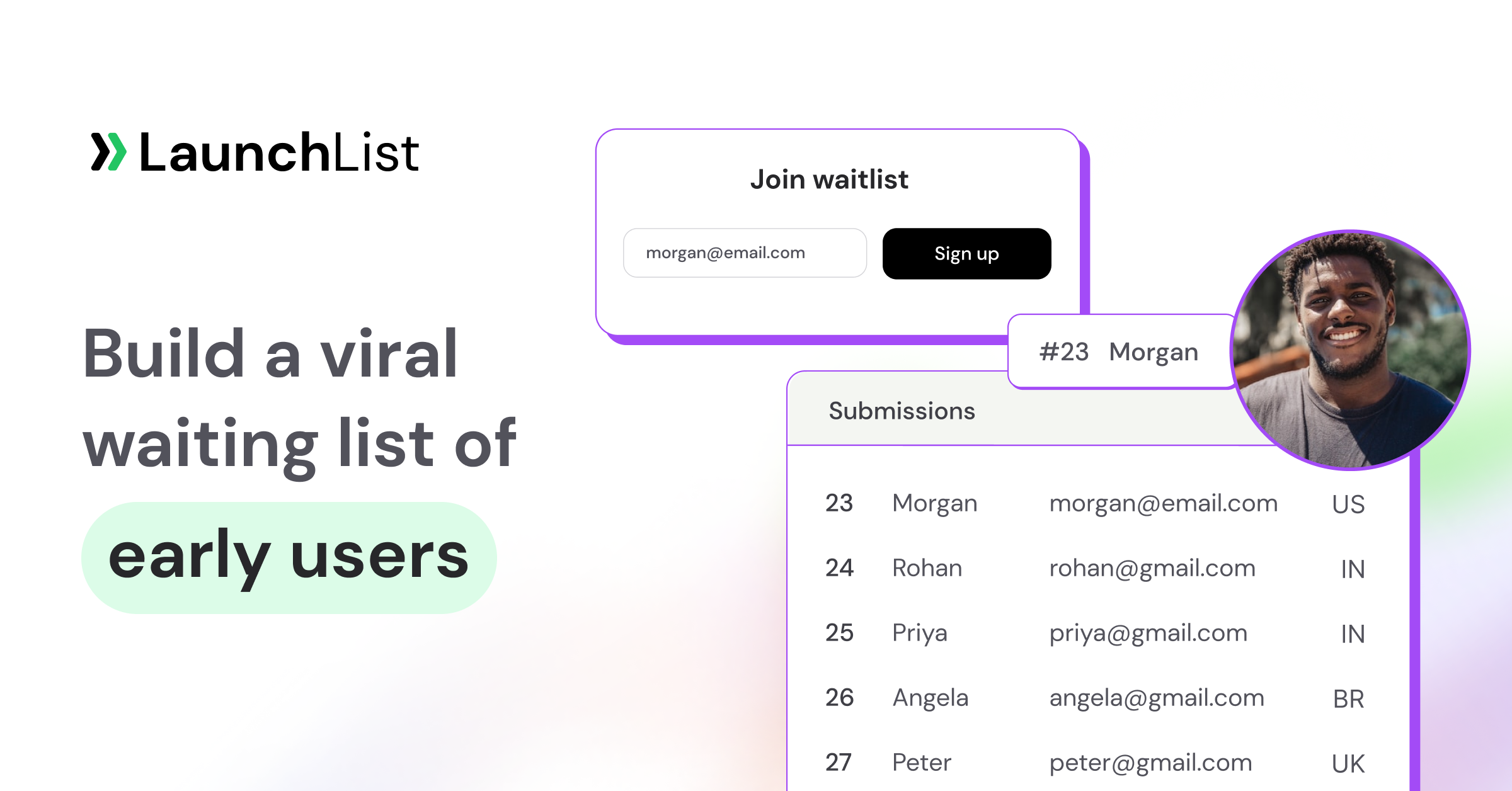
TL;DR: A waitlist landing page is a single web page built to capture signups (usually email) before your product launches, with a referral mechanic that turns each signup into a multiplier. The best ones share five traits: a specific outcome-driven headline, one above-the-fold CTA, visible social proof, a referral block on the success page, and mobile-first design. You can ship one in minutes on a hosted tool, or embed a signup form into an existing site. This guide walks through the definition, the essential components, and the exact steps to build your own. The quickest route is a hosted page from pre-launch waitlist software such as LaunchList, which you can write from one sentence, publish in minutes and run free for up to 100 contacts, with a referral status page for every signup built in.
The short definition
A waitlist landing page is a single-purpose web page designed to capture signups (usually an email address) before your product, feature, or service launches. It differs from a general "homepage" in three ways:
- One action. The whole page exists to get visitors to sign up. No navigation, no secondary CTAs.
- Scarcity or early-access framing. Visitors sign up because joining means getting in before others, not because they're ready to buy.
- A referral mechanic. Signups get a unique link that moves them up the queue when friends join, making each signup a growth multiplier, not just a data point.
Waitlist landing pages are the direct evolution of the classic "coming soon page". The core concept is identical, but the modern version adds referral loops and position tracking, so the list can keep growing after the first visitor leaves, which a static email-capture page can't do.
Why a waitlist landing page matters
Three reasons founders build them before launch:
-
Validate demand before you build. Signups tell you whether the market is interested. If you launch a page and get 10 signups in 30 days, that's a signal. If you get 1000, that's a stronger signal. You learn at the cost of a single page.
-
Pre-load your launch day. Launching to an engaged audience of 2,000 beats launching to a cold audience of zero. Every person on your list is a day-one user, a reviewer, and potentially a referrer.
-
Power a viral loop. With a referral mechanic, each signup has the potential to bring more. The viral coefficient math makes this compound over weeks.
The 5 components of every high-converting waitlist landing page
Based on teardowns of 15+ real pre-launch pages: Robinhood, Superhuman, Morning Brew, and others. For visual examples, see our waitlist landing page examples post.
1. Outcome-driven headline
Name the specific benefit and the specific audience. "Commission-free trading" beats "A better way to invest." "The inbox that writes replies for you" beats "The future of email." Users scan for 2 seconds before deciding whether to keep reading.
2. One above-the-fold CTA
Email input and a button. No navigation menu. No "Learn more" link. No "About us." The best waitlist landing pages have nothing else to click, because every second option pulls attention from the one that matters.
3. Social proof
A live signup counter ("Join 1,243 others on the waitlist"), press logos from where you've been covered, or testimonials from early users. If you have zero signups yet, even a founder photo with a one-sentence story works. Don't invent numbers: authenticity beats inflation.
4. A referral block on the success page
After signup, the visitor sees a thank-you page with:
- Their position in line ("You're #872 of 4,107")
- A unique share link
- A leaderboard of top referrers
This is the single most important conversion element most beginners miss. Without it, your page is a one-shot email capture. With it, every signup has the potential to bring 2–5 more.
5. Mobile-first design
A majority of pre-launch traffic comes from Twitter/X, Reddit, and Indie Hackers, all mobile-heavy. The form must be thumb-friendly, the page must load under 2 seconds, and the signup flow must work with one thumb. Desktop-first designs lose half their audience before they ever see the CTA.
Waitlist landing page vs regular landing page
| Regular landing page | Waitlist landing page | |
|---|---|---|
| Product state | Live, buyable | Pre-launch, not yet available |
| CTA | "Buy now" / "Sign up / "Book demo" | "Join the waitlist" |
| Goal | Conversion to purchase or trial | Signup capture with future follow-up |
| Social proof | Customer logos, reviews | Signup counter, referrer leaderboard |
| Post-signup | Checkout or trial flow | Thank-you page with referral link |
| Time to build | Days to weeks | Minutes with a hosted tool |
The purposes are related but not the same. A regular landing page sells; a waitlist landing page builds audience while you haven't yet finished what you're selling.
Waitlist landing page vs coming soon page
In 2026, interchangeable in most contexts. Both capture emails pre-launch. "Coming soon page" is the older, broader term; "waitlist landing page" is the modern version with referral mechanics built in. If you're searching for one, the answer you want is probably the other. See our deeper breakdown: What is a coming soon page?
How to build a waitlist landing page
For the full walkthrough (headline formulas, the referral loop, and a copy-paste template), see how to create a waitlist landing page (step-by-step). The short version is three paths, ordered by setup time:
Fastest: a hosted page (minutes, no code)
Sign up for LaunchList and create a project. It already has a one-screen launch page with your logo, your project's name, one line and the signup form. Then:
- Open Pages and press Edit page.
- Change the words, pick a layout for each section, or add sections: hero, benefits, steps, quotes, questions, a countdown, plus blocks that read your own data, such as a live signup counter, the referral leaderboard and reward milestones.
- On the Design tab, choose one of eight styles, your accent color, your fonts and your corners. One theme covers the whole page, so it always looks like one page.
- Or skip the blank page: describe your product in a sentence and AI drafts the page for you, or type "make the headline shorter" in Ask for a change. Each change is one undo step.
- Press Publish and share the link.
Your page goes live at your-slug.launchlist.page. Pages are server-rendered, so crawlers and link previews get real HTML, and a share image is generated for you. On the Collect, Launch and Grow plans you can connect your own domain with HTTPS handled automatically, and a page on your own domain can be indexed by search engines; a page on a launchlist.page address stays live and shareable but asks search engines not to index it.
What you can put on the page
- 19 block types. Page blocks (navigation, hero, logos, benefits, steps, numbers, quotes, questions, pricing, story, media, countdown, call to action, footer) plus five that read your live data: the signup form, a live signup counter, the referral leaderboard, reward milestones and your latest updates.
- 6 starting templates (SaaS beta, Mobile app, AI tool, Event or course, Pre-order, One screen) and 8 style presets (Studio, Midnight, Editorial, Blueprint, Poster, Calm, Aurora, Luxe), with 14 font pairings or your own pair.
- Product shots that look right: show a screenshot in a browser frame or a phone frame, or embed a YouTube video.
- A countdown to your launch date that also shows each visitor the time in their own zone.
- Search and sharing settings: your own page title, meta description and 1200x630 share image, or an automatic share card.
- Your own analytics: add GA4, Google Tag Manager, Google Ads, Meta Pixel, TikTok Pixel, LinkedIn Insight, X Pixel, Plausible or PostHog in Project settings, Privacy & spam, with an optional consent banner linked to your privacy policy.
- 17 languages for LaunchList's own wording on the page, form, status page and confirmation emails, including right-to-left Arabic, with a visitor language switcher. Your own copy stays as you write it.
Edits save as a draft; the live page only changes when you publish, and the publish panel lists what changed. You can send a private preview link before going live, and change the page address later: the old one forwards permanently.
The success page, done for you
Every signup lands on their own status page: their position, whether they still need to confirm their email, their referral link with copy and one-tap share buttons, their referral count and, on the Collect plan and up, progress up your reward ladder and points tasks such as "Follow us on X, +50 points". It has its own block editor, so you can add a short survey or the leaderboard. That is component 4 below, with nothing to build. Referral credit lands only once the friend confirms, so the positions are earned by real people. The Free plan covers 100 contacts.
Mid: embed a form on your existing site
If you already have a Framer, Webflow, Carrd or WordPress site, paste two lines of HTML: a <div> where the form goes and the loader script. You can also open the form in a popup from any button, or keep a form you already designed and add one attribute so LaunchList handles submission and referrals. Platform-specific setup guides:
- Webflow waitlist setup
- WordPress waitlist setup
- Squarespace waitlist setup
- Add a waitlist form to any website
Slowest: custom-built
Webflow, Framer, or Next.js from scratch. Adds hours of design and build time compared with the hosted option. Only worth it if you have brand requirements the hosted version can't meet, or you're A/B testing designs at scale: LaunchList gives each project one launch page and does not split-test pages. Even then, you can keep your own form markup and add data-launchlist-enhance so LaunchList handles submission and referral credit, or post signups to the REST API, and still get the status page, the referral loop and the email.
Common mistakes to avoid
- Collecting too many fields. Just one: an email (or a phone number, if that's how your audience lives). Add other fields later in the journey: the first signup should be friction-free.
- No referral mechanic. Without one, you're paying for every signup individually. The loop is free to add and compounds.
- No post-signup page. If users hit "Submit" and see a generic thank-you, you've missed the viral moment. Show position + share link immediately.
- Too much copy. A waitlist landing page should be scannable in under 10 seconds. If someone has to scroll to understand the pitch, rewrite the headline.
- Launching without social proof. Even 20 signups is "Join 20 early users." Without a counter or testimonial, visitors assume nobody else cares.
- Not validating demand. If the page gets 200 visitors and 2 signups, you have a message problem (or a market problem). Before you scale paid traffic, fix the conversion rate.
How much does a waitlist landing page cost?
The page itself: free, if you use a hosted tool. LaunchList's Free plan covers 100 contacts, with the hosted page, referrals, a leaderboard and status pages. Paid plans are priced by list size, monthly or yearly: the Collect plan from $9 a month adds your own domain, search indexing on it, rewards and email broadcasts; the Launch plan from $19 a month adds automations, sending from your own domain and removes the LaunchList badge. These are beta prices and may change after the beta.
Design costs: zero if you use the built-in styles. A custom designer might charge $500–$2,000 for a branded design, but it's rarely necessary for pre-launch.
Traffic costs: this is where real money goes. Paid ads to a waitlist page typically cost $1–$5 per signup depending on niche. Organic traffic (Twitter, Reddit, Indie Hackers, SEO) is free but slower. See our how to promote your waitlist guide for the full playbook.
The five components, built in LaunchList
LaunchList is pre-launch waitlist software for founders. Here is where each of the five components above lives, and what it needs:
| Component | In LaunchList | Plan |
|---|---|---|
| 1. Outcome-driven headline | Write the page from one sentence about your product, then sharpen the headline with Ask for a change. The AI never invents customers, quotes, numbers or prices you did not give it | Every plan, free during the beta |
| 2. One above-the-fold CTA | The signup form block in the hero; forms can ask for just an email, or a phone number, username or wallet address instead, with up to 20 field types if you need more later | Every plan |
| 3. Social proof | Live signup counter, referral leaderboard and reward milestone blocks that read your real numbers, plus logos and quotes blocks you fill in yourself | Every plan |
| 4. Referral block on the success page | The status page every signup lands on, with position, referral link, share buttons and the reward ladder | Every plan; rewards from the Collect plan |
| 5. Mobile-first design | The editor has a desktop and phone toggle, so you check the phone layout before you publish. Pages are server-rendered, so they arrive as real HTML | Every plan |
Keeping the counter honest
A signup counter only works as social proof if it counts real people. Every LaunchList signup goes through a layered spam guard (rate limits, a honeypot, a time trap, disposable-domain and IP checks, and optional CAPTCHA with your own Turnstile, reCAPTCHA or hCaptcha keys) and gets a Contact Trust verdict: Verified, Valid, Unknown, Risky or Fake. Suspicious signups are held for review instead of counted, and held signups never count toward your bill. Widgets never show anyone's email address, phone number or other contact details.
Where the page sits in the rest of your launch
The page is the start of the list, not the end. From the same project you can email signups (broadcasts from the Collect plan, automations from the Launch plan), invite them in batches when you open the beta, and see on Analytics how many visitors became signups against the previous period. Developers can create signups through the REST API, receive 27 kinds of signed webhook, or connect an AI assistant over MCP: an agent can draft or edit your page, but only as a draft, and you press publish.
LaunchList is free for 100 contacts, no card. The Collect plan, from $9 a month, adds a custom domain with search indexing, rewards and email broadcasts; the Launch plan, from $19 a month, adds automations, sending from your own domain, Launch Day tools and removes the LaunchList badge; the Grow plan, from $39 a month, adds where-signups-come-from analytics. Beta prices, monthly or yearly. See pricing.
Start your free waitlist landing page →
Related reading
- How to create a waitlist landing page (step-by-step + free template): the full build guide.
- LaunchList features: the hosted launch page, embeds, referrals and email.
- 15 waitlist landing page examples that convert: real teardowns.
- What is a coming soon page?: the broader sibling concept.
- Viral loop: the ultimate guide: the growth math that makes these pages compound.
- Waitlist milestones & rewards: reward patterns that strengthen the referral loop.
- Best free waitlist software (2026): tool comparisons.
Frequently asked questions
What is a waitlist landing page?
A waitlist landing page is a single-purpose page that collects signups before a product launches, usually with one form and a referral link for each signup so the list keeps growing. It differs from a normal landing page because the goal is joining a list, not buying.
What should a waitlist landing page include?
An outcome-driven headline, one signup form above the fold, social proof such as a live signup counter, a success page with each person's position and referral link, and a layout that works on a phone.
Is a waitlist landing page the same as a coming soon page?
Mostly. Both collect signups before launch; "waitlist landing page" usually means the modern version with a queue position and referral link after signup, while a coming soon page can be a plain email capture.
Can I make a waitlist landing page for free?
Yes. LaunchList's Free plan includes a hosted launch page, the referral status page and leaderboard for up to 100 contacts, with no card. Paid plans start at $9 a month for the Collect plan.
Will my waitlist landing page show up on Google?
Not on a free launchlist.page address, which is always set to noindex. Connect your own domain on LaunchList's Collect plan or higher and the page can be indexed, or embed the form on a site you already own.
Can I use AI to build a waitlist landing page?
Yes. In LaunchList you describe your product in one sentence and the AI writes a full page with the signup form wired in, then you edit it in plain words or in the visual editor. It is free on every plan during the beta.
Can I track ad conversions on a waitlist landing page?
Yes. LaunchList lets you add your own GA4, Google Tag Manager, Google Ads, Meta Pixel, TikTok Pixel, LinkedIn Insight, X Pixel, Plausible or PostHog tags to the hosted page, with an optional consent banner, on every plan.